Automating Document Generation and Email Delivery Using Salesforce Flows
Category :
Document Generation

Docs shouldn’t be complicated.
With Docs Made Easy, creating professional, Salesforce-powered documents is just a few clicks away.
Get Started NowIf you’ve worked inside Salesforce long enough, you already know this pain very well.
A record gets updated. Someone has to generate a document, then attach it, and email it. Then follow up because it was missed the first time.
And this doesn’t happen once a week. It happens every single day – quotes, invoices, contracts, onboarding letters, approval summaries, service reports. The volume keeps growing, but the process somehow stays manual.
This is exactly why Salesforce document generation, combined with Salesforce Flows, has become such a big conversation in the modern world. This is not due to its technical nature, but rather to its ability to eliminate friction and introduce advanced automation in areas where teams may otherwise lose time, accuracy, and momentum.
This blog goes deep into how automating document generation and email delivery using Salesforce Flows actually works, why it matters, and what organizations are really achieving when they combine flows with Salesforce document automation instead of relying on manual steps.
Why Document Generation is a Hidden Bottleneck in Salesforce
Salesforce already stores everything: customer data, opportunity details, pricing, terms, and contacts. But documents still sit outside that system – PDFs, Word files, email attachments- and that gap creates work.
Here’s what usually happens without automation:
- Sales teams download templates manually
- DevOps teams copy-paste data into documents
- Files get saved locally or emailed back and forth
- Someone forgot to attach the latest version
- Customers receive outdated or incorrect information
Even one missed field or wrong version can cause delays, rework, or lost trust.
Salesforce document automation has become a critical requirement for teams seeking scalable and efficient operations.
What Salesforce Flows Bring to the Table
Salesforce Flows are built for advanced automation. They react to events, guide logic, and trigger actions – all without writing code. When paired with document generation, flows act like the brain that decides when a document should be created and who should receive it.
Flows can be triggered by:
- Record creation
- Record updates
- Status changes
- Button clicks
- Scheduled events
This makes them ideal for automating documents at exactly the right moment.
For example:
- When an Opportunity moves to “Closed Won.”
- When a Case reaches “Resolved.”
- When a Contract is approved.
- When a Lead converts.
Instead of relying on someone to remember to generate and email a document, Salesforce automates this process. Now, let’s move further towards how Salesforce document generation actually works.
How Automated Document Generation Works Inside Salesforce
At a very practical level, Salesforce document generation pulls live data from records and merges it into predefined document templates. Those templates can be PDFs, Word documents, or other formats, depending on the tool being used.
The automation flow generally looks like this:
- A flow is triggered by a Salesforce event
- The flow collects the required record data
- A document template is selected
- Data is merged into the template
- The document is generated instantly
- The file is stored in Salesforce
- An email is sent with the document attached
All of this can happen in seconds, with no downloads, no uploads, and no manual checks. This is where Salesforce Flows shine – they connect data, logic, and actions into one clean sequence. But this isn’t the end; sending the output to the right place is equally crucial. This is where email delivery comes in!
Why Email Delivery is Just as Important as Document Creation
Generating a document is only half the job; delivery matters just as much.
Without automation:
- Emails are sent late or manually
- Attachments are forgotten
- The wrong recipients are selected
- Follow-ups don’t happen
With Salesforce Flows, email delivery becomes part of the same process.
Flows can:
- Select the correct recipient automatically
- Choose the right email template
- Attach the newly generated document
- Log the email activity to the record
- Notify internal users if needed
This closes the loop completely. Thus, the document is created and delivered without anyone stepping in.
How Salesforce Flows Automate Document Creation and Email Delivery
Salesforce Flows make it possible to automate documents and emails as one connected process instead of separate manual tasks. Once a Flow is set up, Salesforce knows exactly when a document needs to be created and when it should be sent without anyone having to step in.
When something important happens in Salesforce, like an Opportunity being marked Closed Won or a Contract getting approved, the Flow automatically starts working. It generates the required document using live Salesforce data, saves it to the right record, and immediately prepares it for delivery.
From there, the same Flow sends the email. It chooses the correct recipient, applies the right email template, attaches the newly generated document, and sends everything out at the right moment. There’s no downloading, no attaching files, and no risk of forgetting to send the email.
For example:
When a quote is approved, the document is generated and emailed to the customer instantly. The sales team doesn’t need to chase paperwork or follow up manually – Salesforce handles it end to end. The same applies to contracts, invoices, or onboarding documents. Once the trigger condition is met, the document is created and delivered automatically.
This combined approach is what makes Salesforce document automation so effective. Documents go out faster, information stays accurate, and teams can trust that the process is happening exactly as it should – quietly, reliably, and without extra effort. Now, let’s move toward the more practical exposure of this automation in real-world scenarios.
Real Business Scenarios Where This Automation Matters
Here, we have explained how different teams can benefit from document automation and email sending using Salesforce flows.
Sales Quotes and Proposals
Sales teams move fast, but paperwork slows them down. Automated quote generation ensures that the moment pricing is approved, the document is created and sent.
No waiting, no formatting mistakes, just speed.
Contracts and Agreements
Legal and operations teams rely on accuracy. Automated contract generation ensures that every clause, term, and field is populated correctly from Salesforce records.
This reduces risk and removes repetitive admin work.
Invoices and Billing Documents
Finance teams benefit highly from Salesforce document automation. Invoices generated automatically from closed deals or billing records eliminate delays and manual errors.
Customer Communications
Welcome letters, onboarding documents, and service summaries – all can be generated and sent automatically when a customer reaches a specific lifecycle stage.
Now, let’s explore the key insights on why Salesforce experts prefer flaw-based automation over writing long code.
Why Teams Prefer Flow-Based Automation Over Custom Code
Custom Apex code can automate documents, but it comes with long-term baggage: maintenance, testing, deployment cycles, and dependency risks.
Salesforce Flows offer:
- Faster setup
- Easier updates
- Admin-friendly logic
- Visual debugging
- Lower long-term cost
That’s why many teams now combine Flows with the best Salesforce document generation tool rather than building everything from scratch.
Choosing the Right Tool for Salesforce Document Automation
Not all document tools work well with Flows. To truly automate document generation and email delivery, the tool needs to:
- Integrate natively with Salesforce
- Support Flow actions
- Handle complex templates
- Merge data accurately
- Generate documents instantly
- Support automated email delivery
The best Salesforce document generation tool doesn’t just create documents – it fits naturally into Salesforce’s automation ecosystem.
Powering Flow-Based Document Automation with Docs Made Easy
Docs Made Easy is designed specifically for Salesforce-native document automation, allowing teams to generate documents directly from Salesforce data and trigger them through Salesforce Flows without complex setup. It supports dynamic templates, automated delivery, and seamless integration with Salesforce records, making it easier for teams to move away from manual document processes while keeping everything inside the Salesforce environment.
Where Docs Made Easy Fits
Docs Made Easy fits naturally into Salesforce when teams want document automation without adding complexity. It works directly with Salesforce data, allowing documents to be generated inside the platform, not outside it.
Because Docs Made Easy supports Salesforce Flows, teams can automate document creation and email delivery together. Once a Flow is triggered, documents are generated, attached, and sent automatically without manual steps.
With dynamic templates and native Salesforce integration, Docs Made Easy helps teams move away from repetitive document work. Everything stays connected to records, making automation reliable, scalable, and easy to manage over time.
The Human Side of Automation (What Actually Changes Day-to-Day)
This is the part people don’t talk about enough. When document generation and email delivery are automated:
- Sales reps stop chasing paperwork
- DevOps teams stop fixing formatting errors
- Managers stop asking if documents were sent
- Customers receive information faster
- Teams trust Salesforce more
The system starts working the way people expect it to work, quietly, reliably, and without reminders. Consequently, moving towards the common errors to avoid during document automation.
Common Mistakes to Avoid When Automating Documents
Even with Salesforce Flows, automation can fail if it isn’t designed with clarity and structure.
Avoid:
- Overloading one flow with too many conditions
- Hardcoding templates instead of using logic
- Forgetting error handling
- Not testing with real data scenarios
- Ignoring version control for templates
Well-planned automation works quietly in the background, while poorly planned automation disrupts workflows and drains productivity.
Final Thoughts
Automating document generation and email delivery using Salesforce Flows is not about replacing people. It’s about removing repetitive, error-prone steps that slow teams down.
As Salesforce continues to evolve, Salesforce document generation and Salesforce document automation are becoming core expectations – not optional add-ons.
Teams that invest early in the right approach, using Flows combined with the best Salesforce document generation tool, end up with cleaner processes, faster execution, and fewer headaches.
Salesforce already provides the automation engine through Flows; what teams need is the right document layer to complete the process. When paired with Salesforce’s inbuilt tool, Docs Made Easy turns document generation and email delivery into a seamless, hands-free experience. Together, they allow teams to rely on Salesforce not just as a system of record, but as a system that actually gets work done.
Frequently Asked Questions
Related Blogs
Top 7 Benefits of Integrating Docs Made Easy with Salesforce Revenue Cloud
Managing revenue today involves much more than creating quotes and sending contracts. Businesses need a connected process that handles pricing,…

Salesforce Documentation Best Practices: How to Reduce Admin Dependency and Scale Faster
As businesses grow in Salesforce, managing documentation often becomes difficult. At first, teams can easily manage workflows, approvals, automations, and…
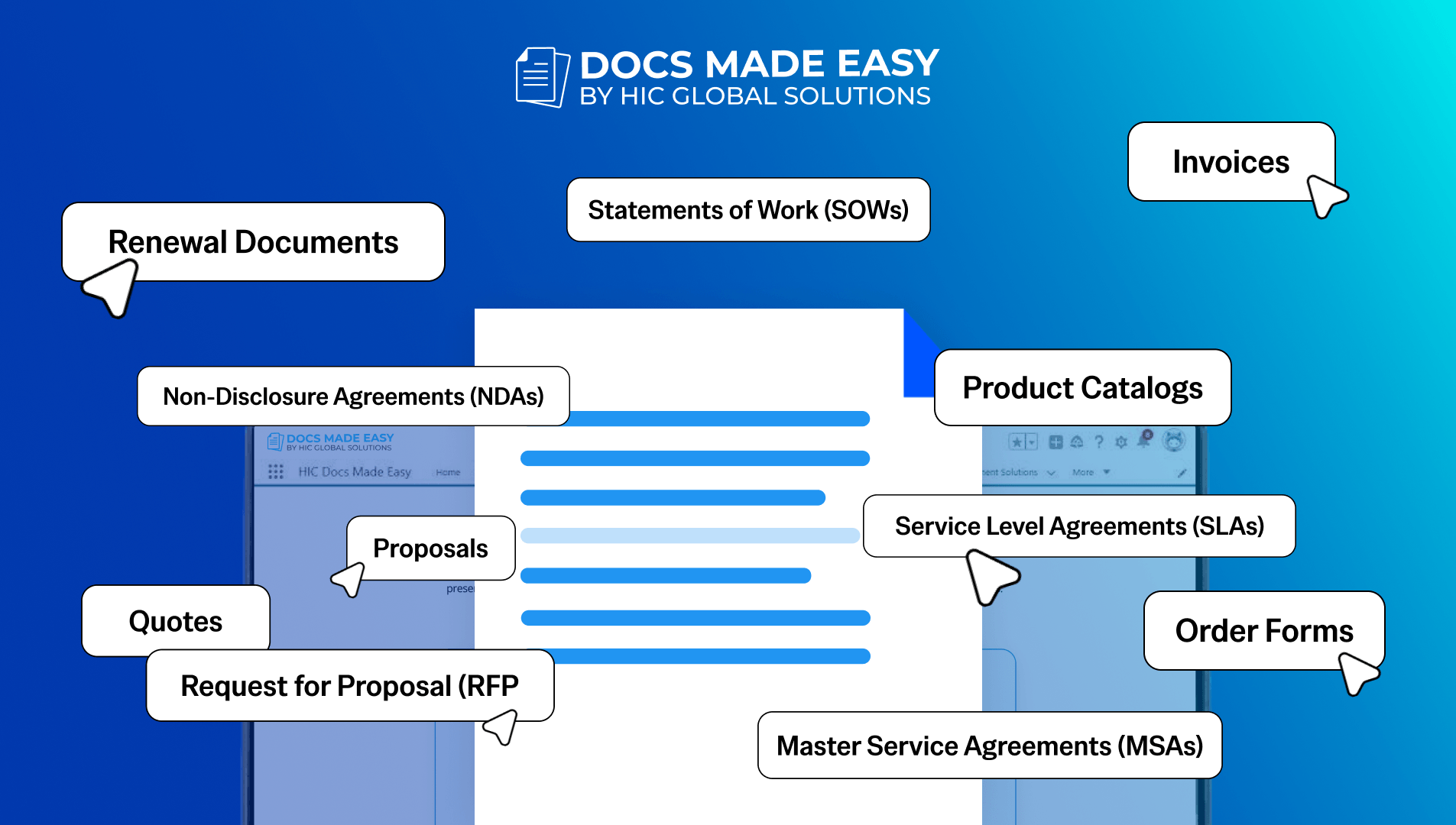
15 Salesforce Document Types That Drive Revenue
Team work with documents almost every day, but many businesses still underestimate how much these documents actually affect revenue. A…