Comparing the Best Document Generation Tools for Salesforce in 2026
Category :
Document Generation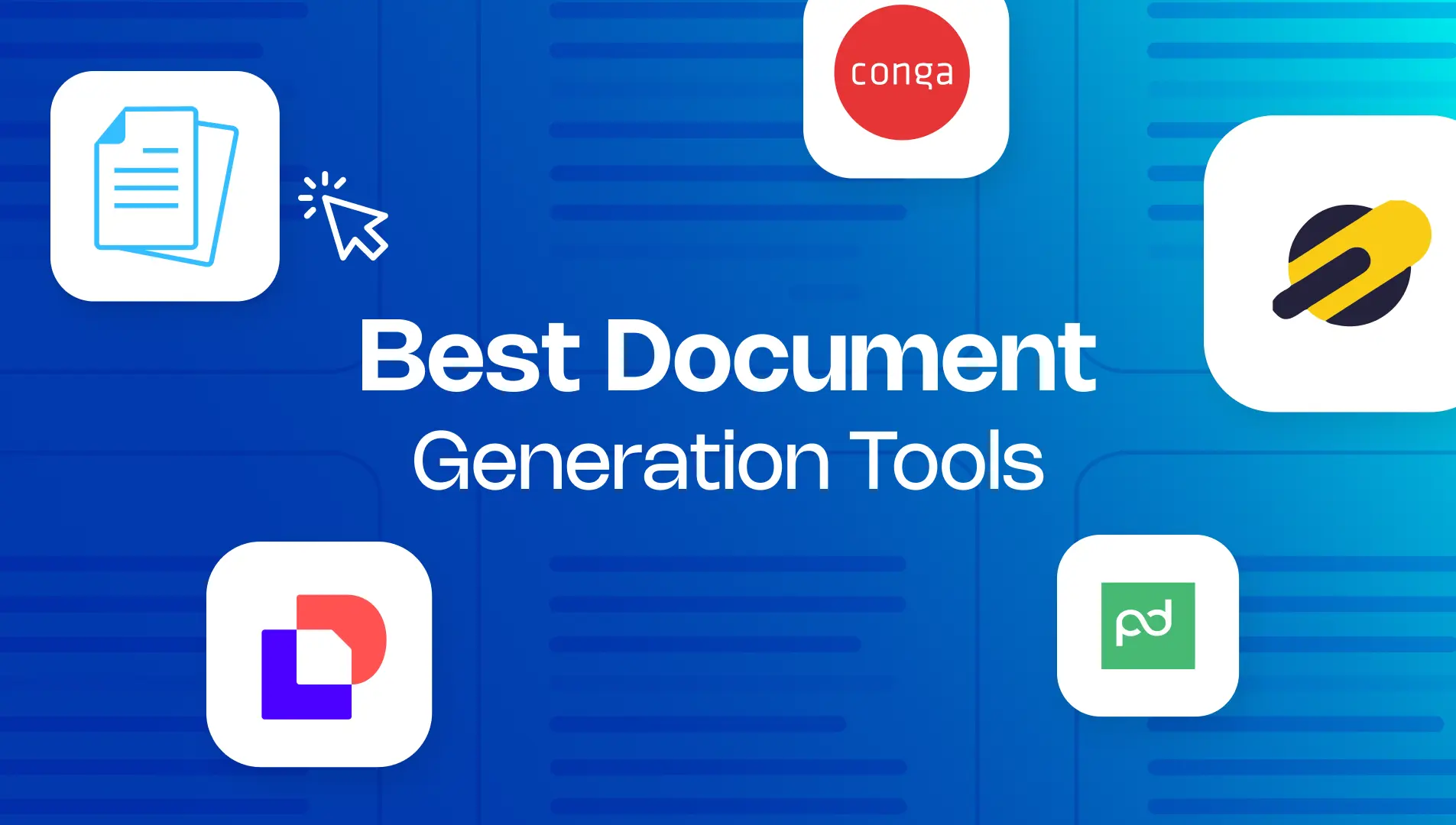

Salesforce DocsGen shouldn’t be complicated.
With Docs Made Easy, creating professional, Salesforce-powered documents is just a few clicks away.
Save Hours TodayWhen your Salesforce deals start getting stuck because documents are slow, inconsistent, or full of data errors, you suddenly find yourself stuck between choices like DocuSign Gen Vs Docs Made Easy, which one will actually fix the problem?
The real challenge lies in converting Salesforce data into documents that remain accurate, consistent, and easy to share.
That’s why this comparison guide looks beyond marketing claims and into how the top document generation tools actually perform in 2026. From pricing and automation to Salesforce compatibility and ease of use, this guide breaks down the five leading platforms so you can clearly see which one fits your business.
At a Glance: Key Features of Top Document Generation Tools
Not all document generation tools are built the same, especially when it comes to Salesforce. This quick overview highlights the core capabilities, from automation and template flexibility to e-signature support, so you can immediately see which platforms match real-world business needs.
| Feature | Docs Made Easy | Conga Composer | DocuSign Gen for Salesforce | Formstack | Docomotion |
|---|---|---|---|---|---|
| No-code Template Builder | ✔️ (strong, intuitive) | ✔️ | ✔️ | ✔️ | ✔️ |
| Free Basic Plan | ✔️ (Yes) | No | No | No | No |
| Real-Time Salesforce Data Merge | ✔️ | ✔️ | ✔️ | ✔️ | ✔️ |
| Salesforce Document Automation | ✔️ | ✔️ | ✔️ | ✔️ | ✔️ |
| Template Creation Limit | Unlimited | Unlimited (license-based) | Limited by plan | 10 templates (Basic plan) | Unlimited (usage-based quotas) |
| Batch Document Generation | ✔️ | ✔️ | ✔️(Limited) | ✔️ | ✔️ |
| E-Signature Support | ✔️ | ✔️ | ✔️ | ✔️ | ✔️ |
| Conditional Logic | ✔️ | ✔️ | ✔️ | ✔️ | ✔️ |
| Best For | Salesforce teams needing fast, no-code, native document automation | Large enterprises with complex, compliance-heavy needs | Companies already using DocuSign for approvals | Teams needing flexible, form-driven document workflows | Businesses requiring advanced design and live editing |
| Live Document Editing | — | — | — | — | ✔️ |
| Easy Setup for Admins | ✔️ | (steeper) | (medium) | ✔️ | (medium) |
| Customer Support | ✔️ Standard + Knowledge Base | ✔️ Enterprise Support | ✔️ DocuSign Support | ✔️ Formstack Support | ✔️ Docomotion Support |
| Documentation Quality | ✔️ Strong | ✔️ Enterprise-grade | ✔️ Comprehensive | ✔️ Good | ✔️ Good |
1. Conga Composer
Conga Composer is a long-established document generation and automation platform that integrates deeply with Salesforce CRM. It allows users to pull complex data structures from Salesforce to generate highly formatted documents — including quotes, proposals, invoices, contracts, and more — across a variety of formats.
It’s well known as a powerful enterprise Salesforce document automation engine especially where businesses need complex logic and formatting.
Pros
- Can generate documents in multiple formats with complex logic.
- Works well with Salesforce and other CRM/ERP platforms.
- Supports batch generation and conditional sections.
- Ideal for advanced revenue lifecycle document requirements.
Cons
- Pricing and packages are customized and need contacting sales, so there’s no simple published rate.
- Often requires dedicated setup and experienced admins.
- Can be overkill for small teams or simpler document needs.
2. DocuSign Gen for Salesforce
DocuSign Gen for Salesforce combines document merging with industry-leading signing processes. It helps create professional agreements by automatically pulling Salesforce data into Word or PDF templates, and then seamlessly initiating eSignature workflows.
This tool is particularly strong when agreements and signed documents are core to operations.
Pros
- Automates generation and signing workflows directly from Salesforce.
- Integrates well with Salesforce Sales Cloud and Revenue Cloud.
- Reduces manual entry and improves contract cycle times.
Cons
- Pricing is tied to DocuSign’s eSignature plans, which vary based on envelopes and user tiers; official Salesforce pricing is not published publicly.
- Best suited when signature workflows are a priority (rather than general document automation).
Pricing Comparison of Leading Document Generation Tools
| Tools | Pricing |
|---|---|
| Docs Made Easy | Free plan available; Pro $9.99/user/month; Pro Plus (contact sales) |
| Conga Composer | Pricing Customized. |
| DocuSign Gen for Salesforce | Pricing tied to DocuSign eSignature plans; starts with core eSignature pricing (e.g., Standard ~$25/user/month or Business Pro ~$40/user/month) |
| Formstack Documents | Starting at $83/month. |
| Docomotion | Starter $10/user/month; Gold $20/user/month; Platinum $30/user/month. |
3. Docs Made Easy
Docs Made Easy is a Salesforce document generation solution that helps Salesforce users quickly merge CRM data into professional documents such as invoices, proposals, contracts, reports, and more. It supports PPT, PDF, Word, and Excel, and can automate document creation via workflow triggers.
Pros
- Extremely simple to set up and use, admins can configure without code.
- Native experience within Salesforce with real-time CRM data merging.
- Automates critical business processes – Eliminates manual document creation, reducing errors in contracts, invoices, and proposals.
- Supports eSignatures – Streamline approvals by sending documents for secure electronic signing directly from Salesforce.
Cons
- Reporting and analytics options are basic compared to large enterprise platforms.
Why Upgrade to Docs Made Easy Pro
While the standard version covers essential document generation needs, Docs Made Easy Pro extends these capabilities for teams that require deeper automation, better scalability, and more control across Salesforce environments. The Pro edition introduces advanced features designed to support growing document volumes, multi-solution workflows, and cross-org consistency.
Docs Made Easy Pro – Core Features
| Feature | Overview |
|---|---|
| Document Solution Migration | Move document templates and settings smoothly between Salesforce orgs without rework. |
| Quick Document Merge | Instantly generate documents with just a few clicks and no complex setup. |
| Document Automation | Automatically generate documents with Salesforce Flow, Apex, LWC, and Process Builder. |
| Document Collection | Combine multiple documents into one organized package and send them together easily. |
| Outbound Message | Send record data and document links to external systems through flows or approvals. |
| Expanded Template & Output Support | Use PPT, PDF, Word, and Excel as templates and generate PPT, PDF, Word, and Excel outputs. |
| Document Bulk Merge | Create documents for many records at once, with scheduling and auto-cleanup options. |
4. Formstack Documents
Formstack Documents is a flexible document automation platform that supports Salesforce and many other systems. It enables the generation of custom documents with conditional logic and can deliver outputs via email or storage systems.
It’s often considered by teams that want no-code automation across platforms.
Pros
- Designed for users with limited technical skills.
- Works beyond Salesforce — useful for cross-platform document generation.
- Strong automation and template logic.
Cons
- Pricing can be higher for company-wide use.
- Not as deep in Salesforce-specific logic as Salesforce-centric tools.
5. Docomotion
Docomotion focuses on interactive document generation with live editing capabilities. Users can build templates, automate in Salesforce, and make last-minute adjustments before finalizing documents.
It’s especially useful when documents often require manual personalization at the point of creation.
Pros
- Live editor allows interactive, pre-send customization.
- Supports multiple formats (PDF, DOCX, HTML).
- Integrates with Salesforce Flow and automation.
Cons
- Advanced automation tiers require paid plans.
- Manual edits reduce full automation in some use cases.
Which Is the Best Document Generation Tool in 2026?
When businesses compare document tools in 2026, they are not just looking for features. They are looking for something that actually fits how Salesforce is used in the real world.
Docs Made Easy stands out because it does three things extremely well:
- Built Natively for Salesforce
Templates, automation, and data all live where teams already work. There’s no need to switch platforms or syncing systems that don’t quite match. - It balances power with simplicity
You get conditional logic, batch generation, and automation without needing consultants or developers to keep things running. - It scales with your business
Whether you’re generating a few proposals or thousands of operational documents, the same system handles it without becoming harder to manage.
For teams that need dependable Salesforce document generation with automation that actually sticks, Docs Made Easy provides the best mix of usability, control, and long-term stability.
Conclusion
In 2026, document workflows need to be fast, accurate, and easy to maintain. Docs Made Easy delivers exactly that by keeping document generation native to Salesforce, simple for users, and powerful enough for real business processes.
If you’re ready to make your documents work as smoothly as your CRM, it’s time to choose Docs Made Easy.
Frequently Asked Questions
Related Blogs
Top 7 Benefits of Integrating Docs Made Easy with Salesforce Revenue Cloud
Managing revenue today involves much more than creating quotes and sending contracts. Businesses need a connected process that handles pricing,…
Salesforce Documentation Best Practices: How to Reduce Admin Dependency and Scale Faster
As businesses grow in Salesforce, managing documentation often becomes difficult. At first, teams can easily manage workflows, approvals, automations, and…
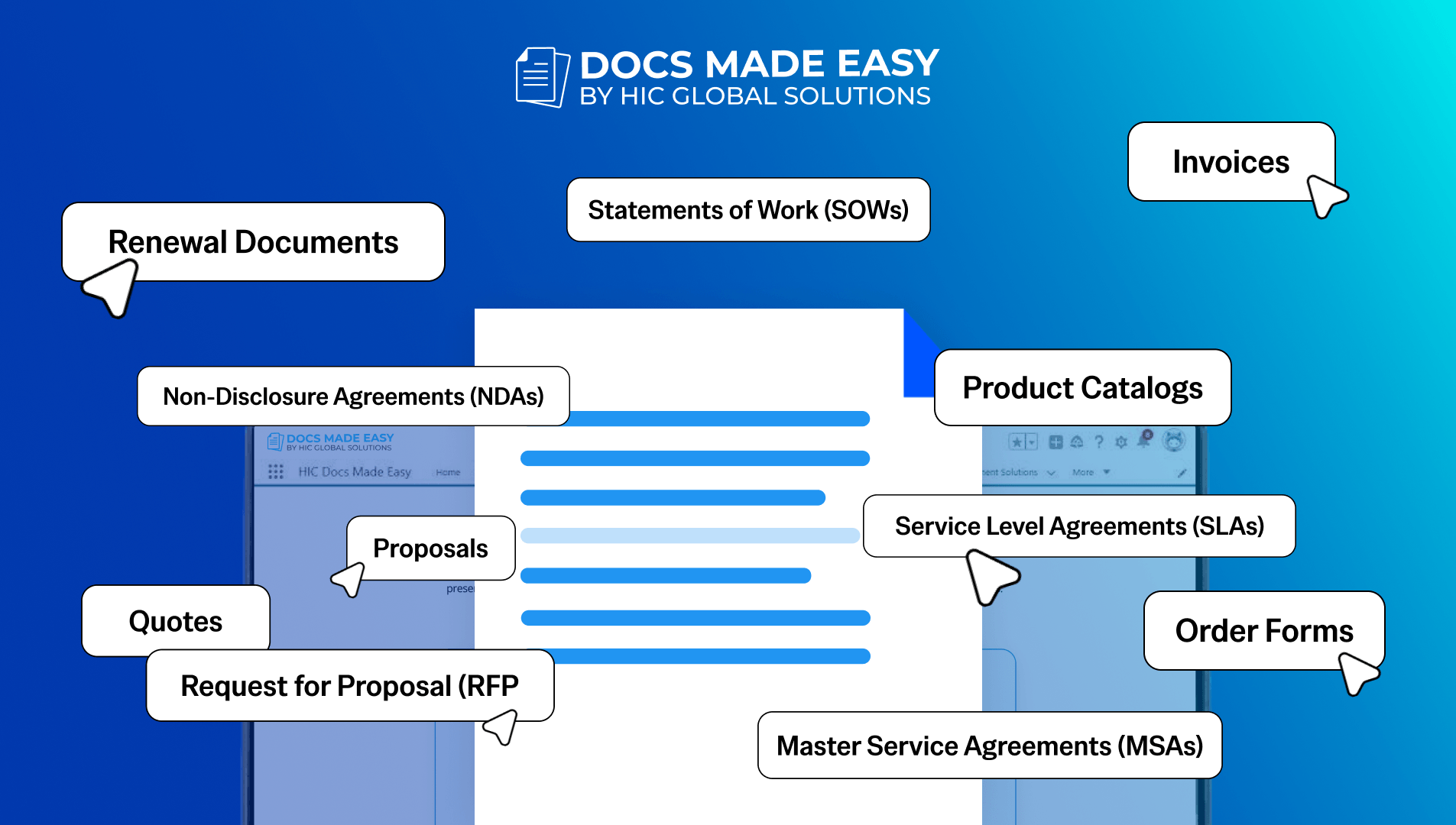
15 Salesforce Document Types That Drive Revenue
Team work with documents almost every day, but many businesses still underestimate how much these documents actually affect revenue. A…