How to Edit and Download Merged Documents in Salesforce
Category :
How To

Docs Made Easy Proudly Featured by Salesforce
Built to simplify document workflows while enhancing productivity inside Salesforce.
Explore Now!Last-minute document editing is a common challenge many Salesforce users face during customer interactions. Most tools used for document generation do not provide quick editing options when changes are needed urgently. A reliable Salesforce document solution – Docs Made Easy makes this process simple. Here are the steps to quickly merge, edit, and download your documents without delays.
Step 1: Log in to Salesforce.
Step 2: Open Docs Made Easy from the App launcher.
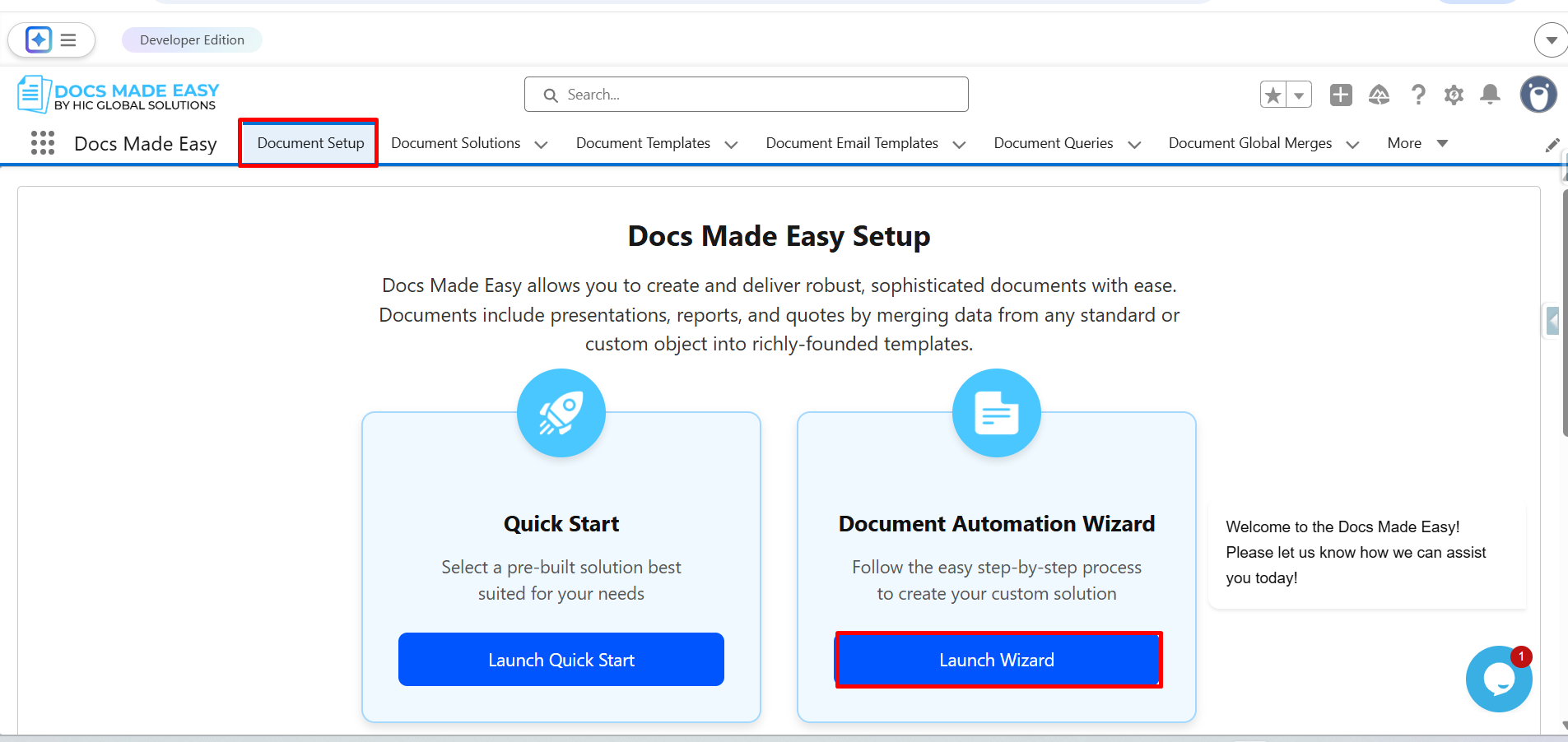
Step 3: Click on Document setup. Then click Launch wizard.
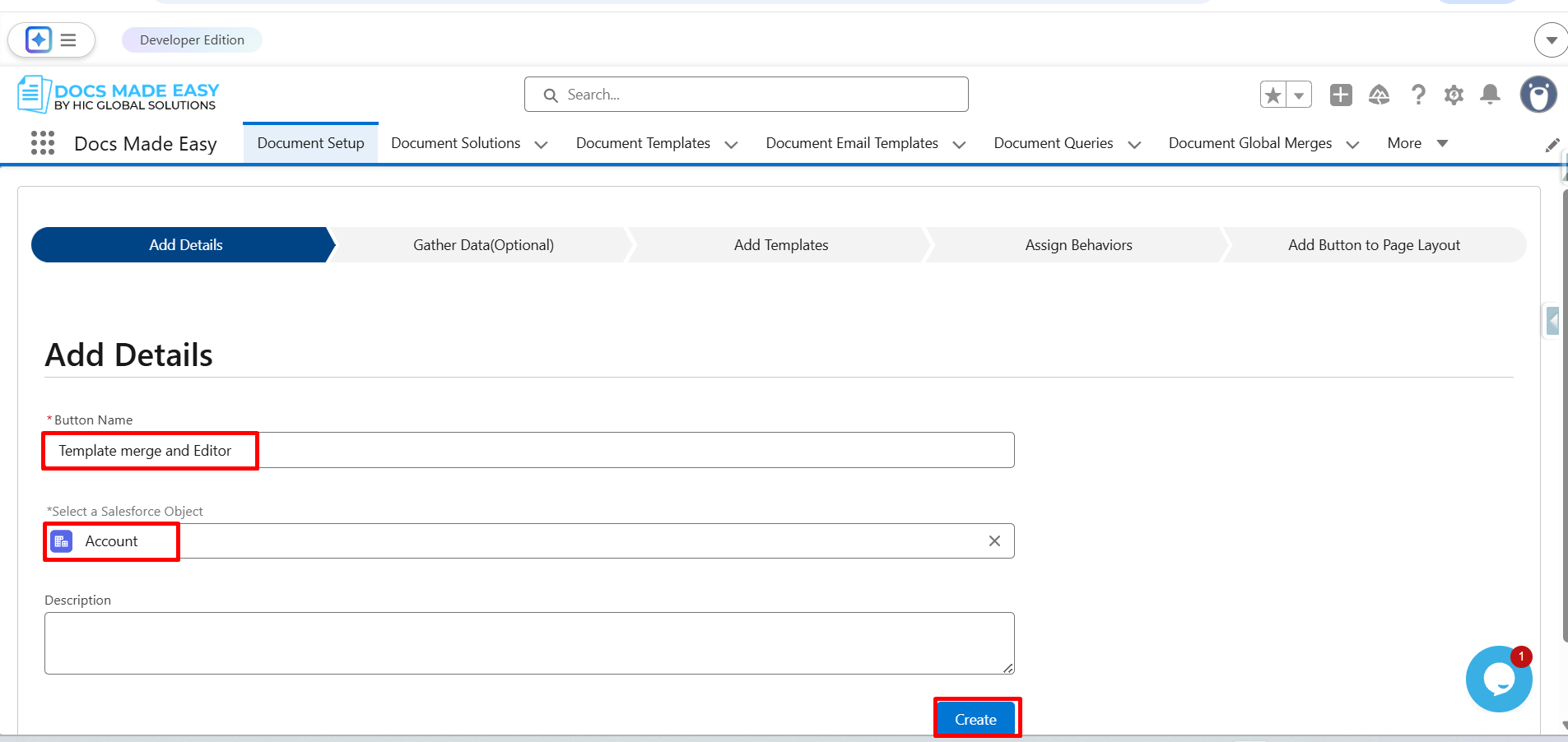
Step 4: In the Add details tab, add the button name and select the Salesforce object. Followed by clicking on the Create button.
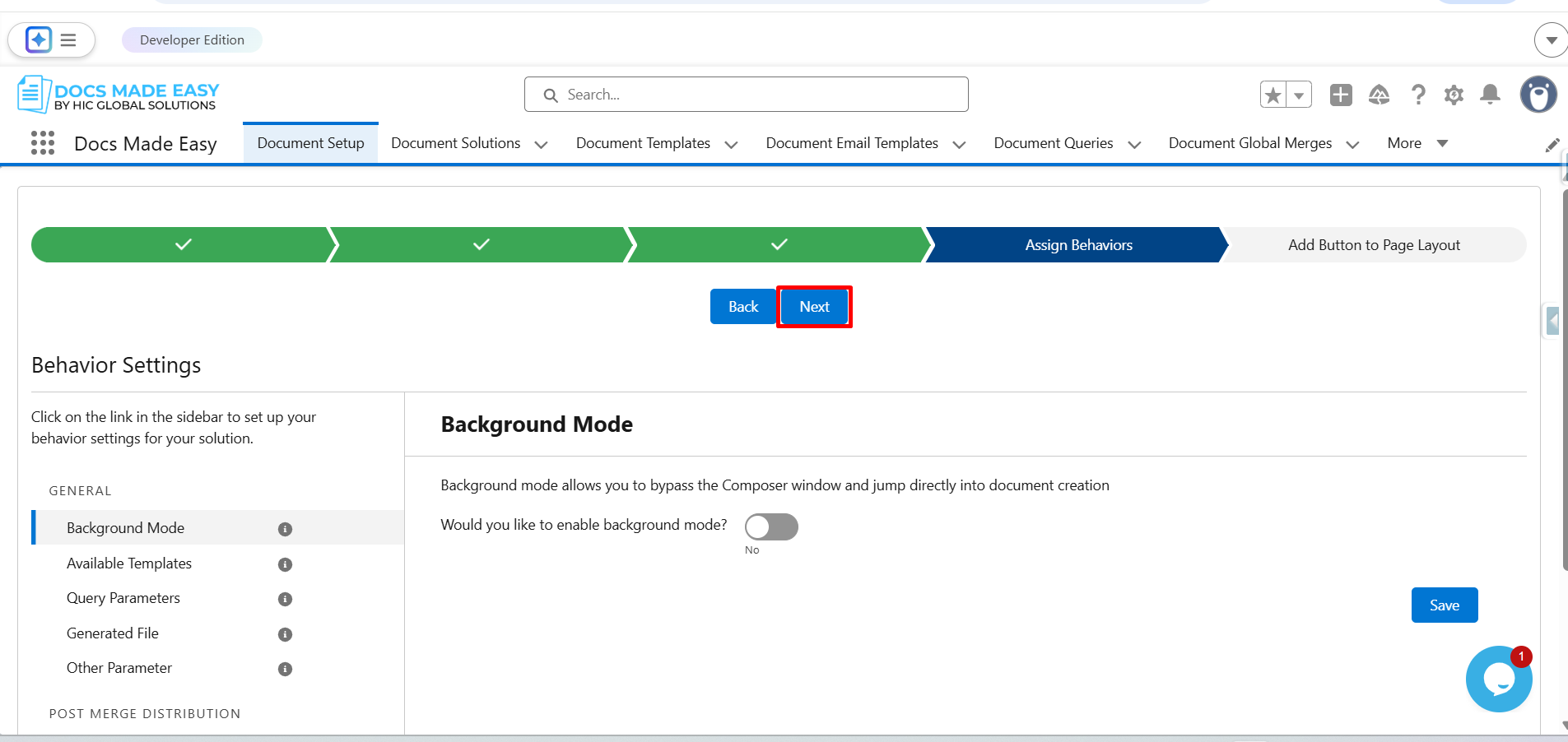
Step 5: Click on Next.
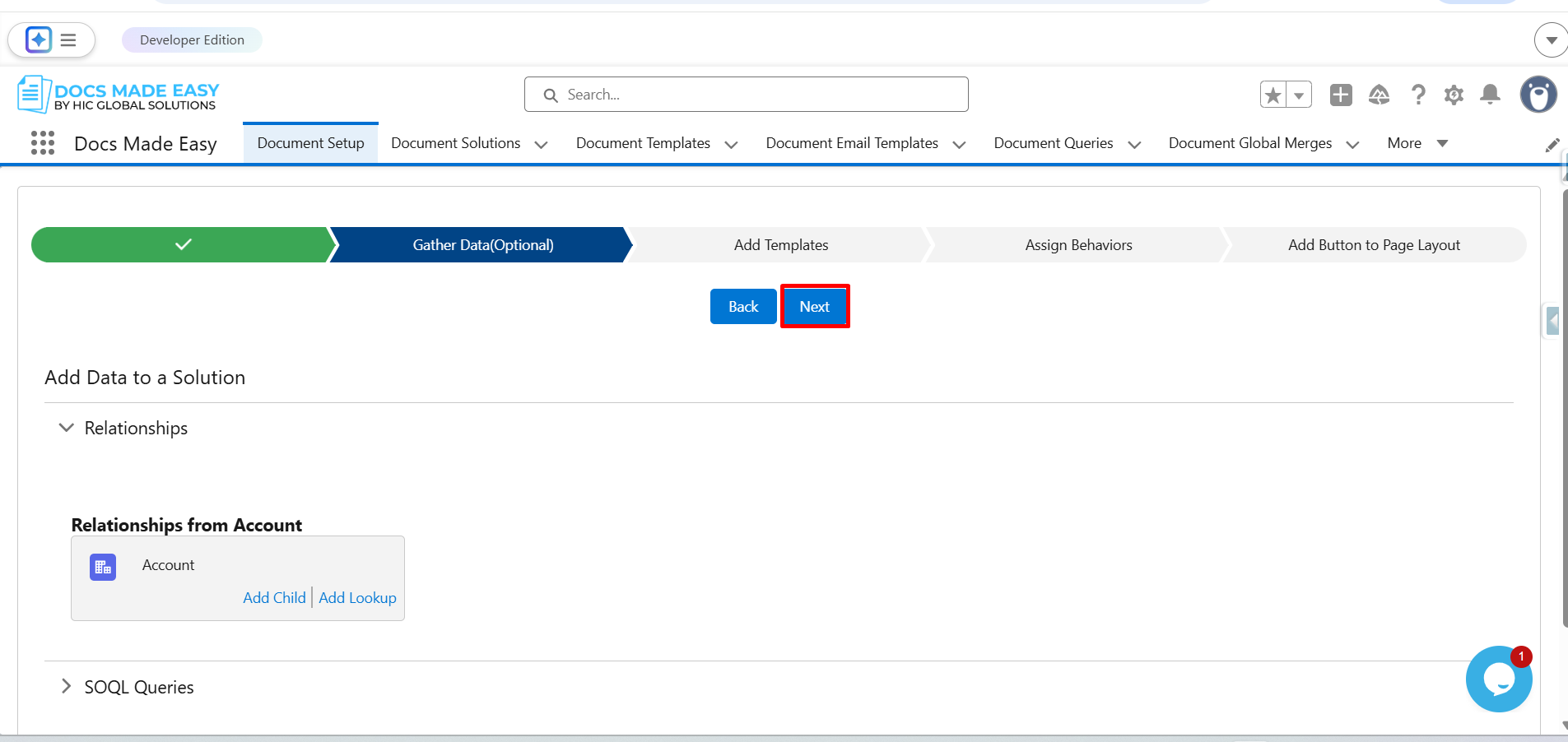
Step 6: Click on Create New Document Template.
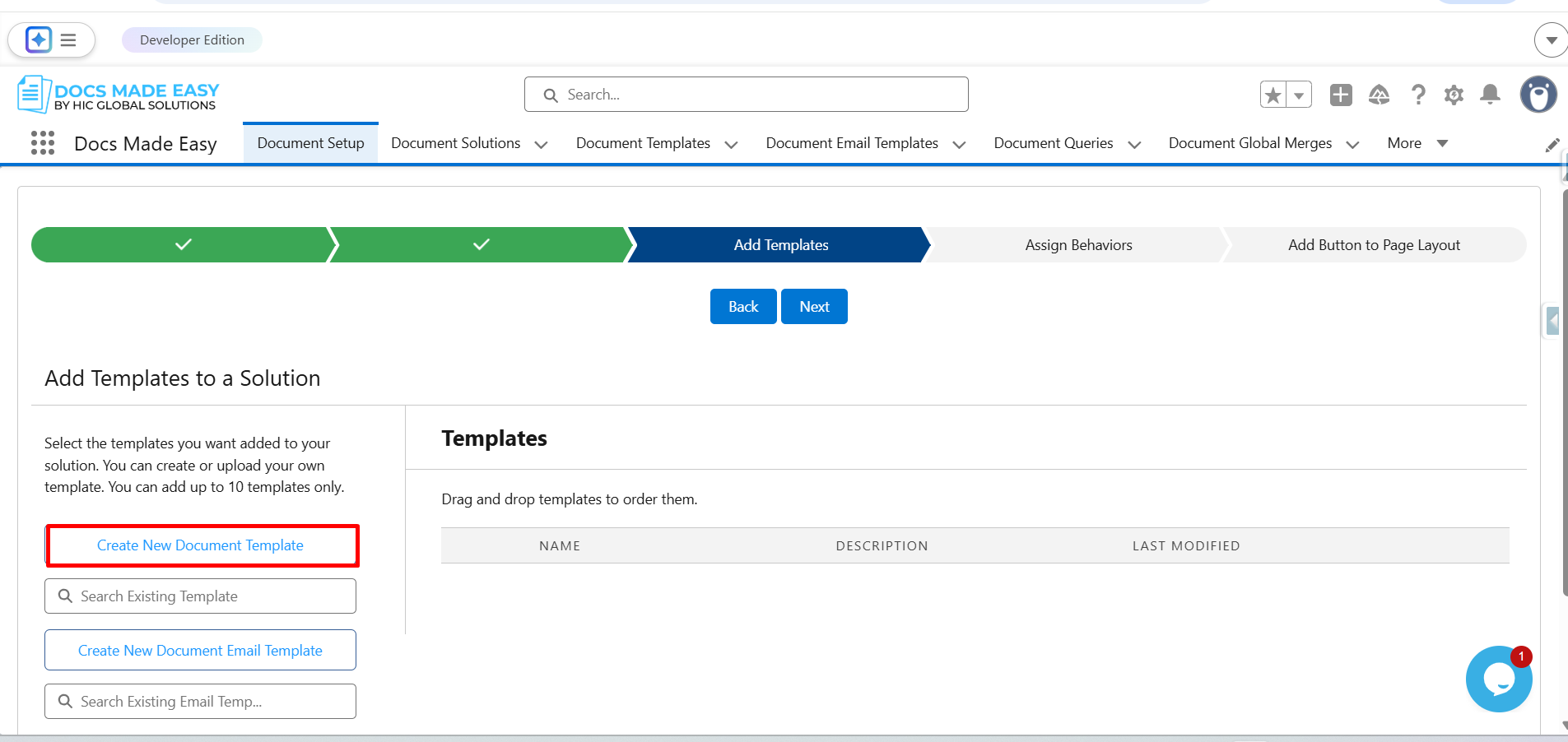
Step 7: Enter the Template Name, upload the Template file, and click Save.
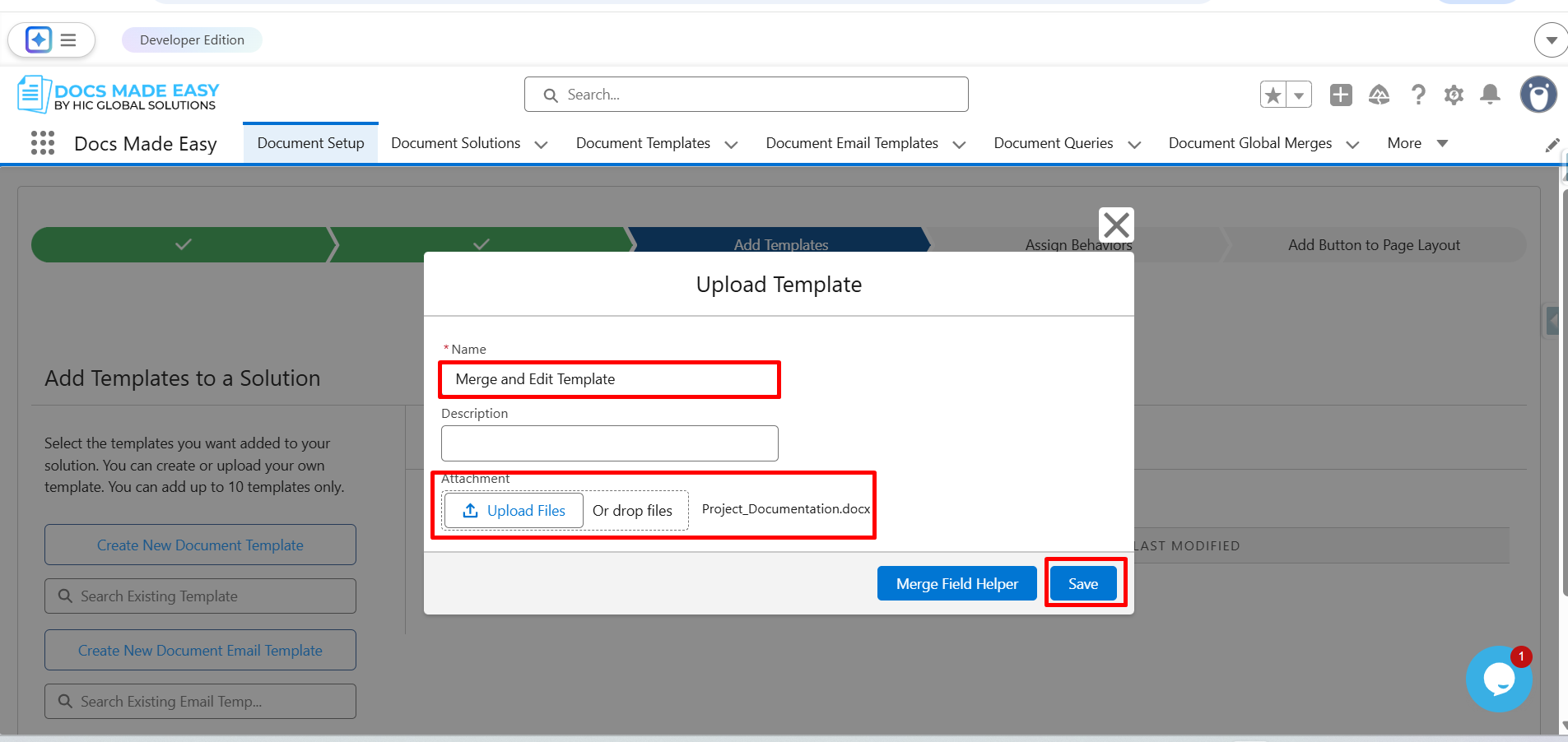
Step 8: Click on Next.
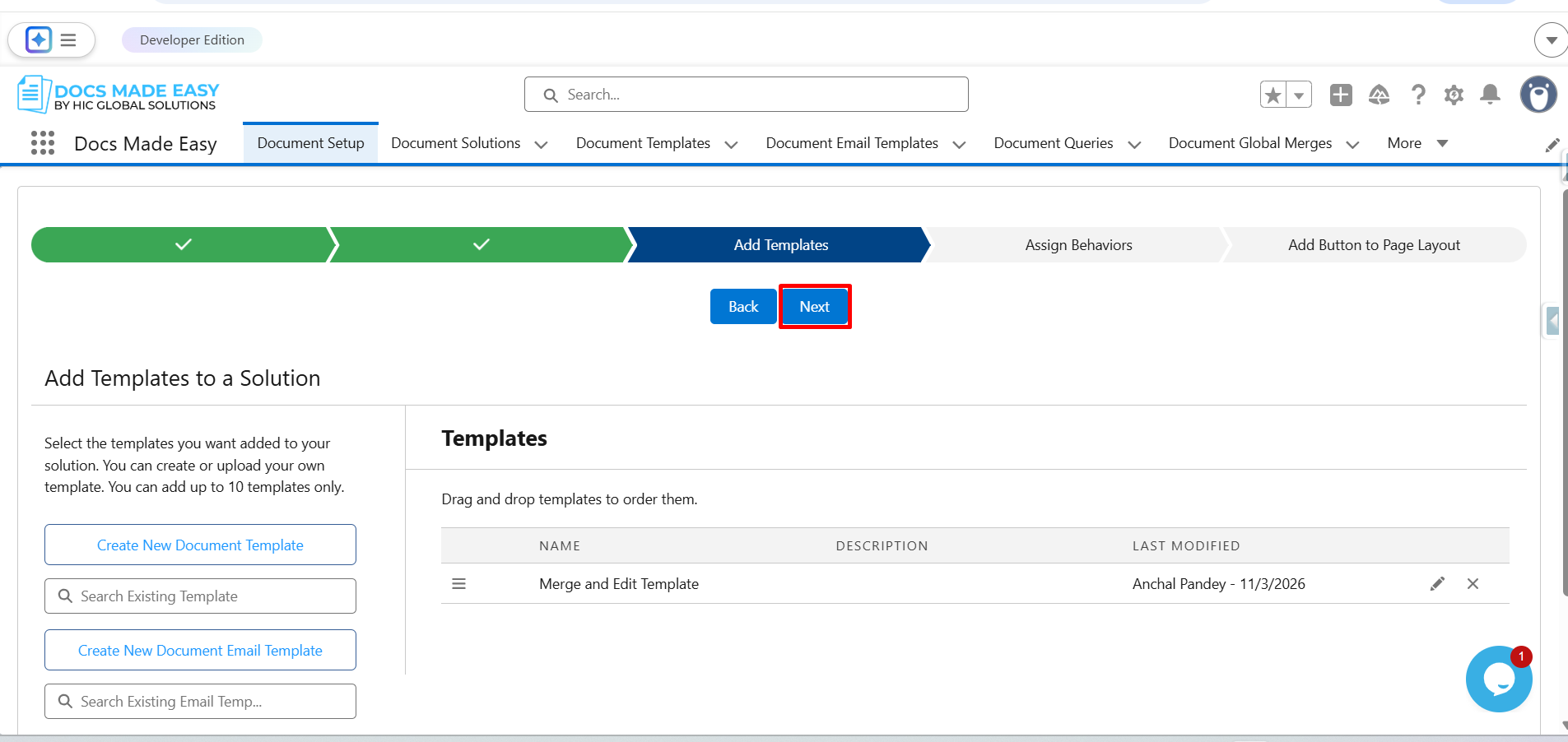
Step 9: Click on Next.
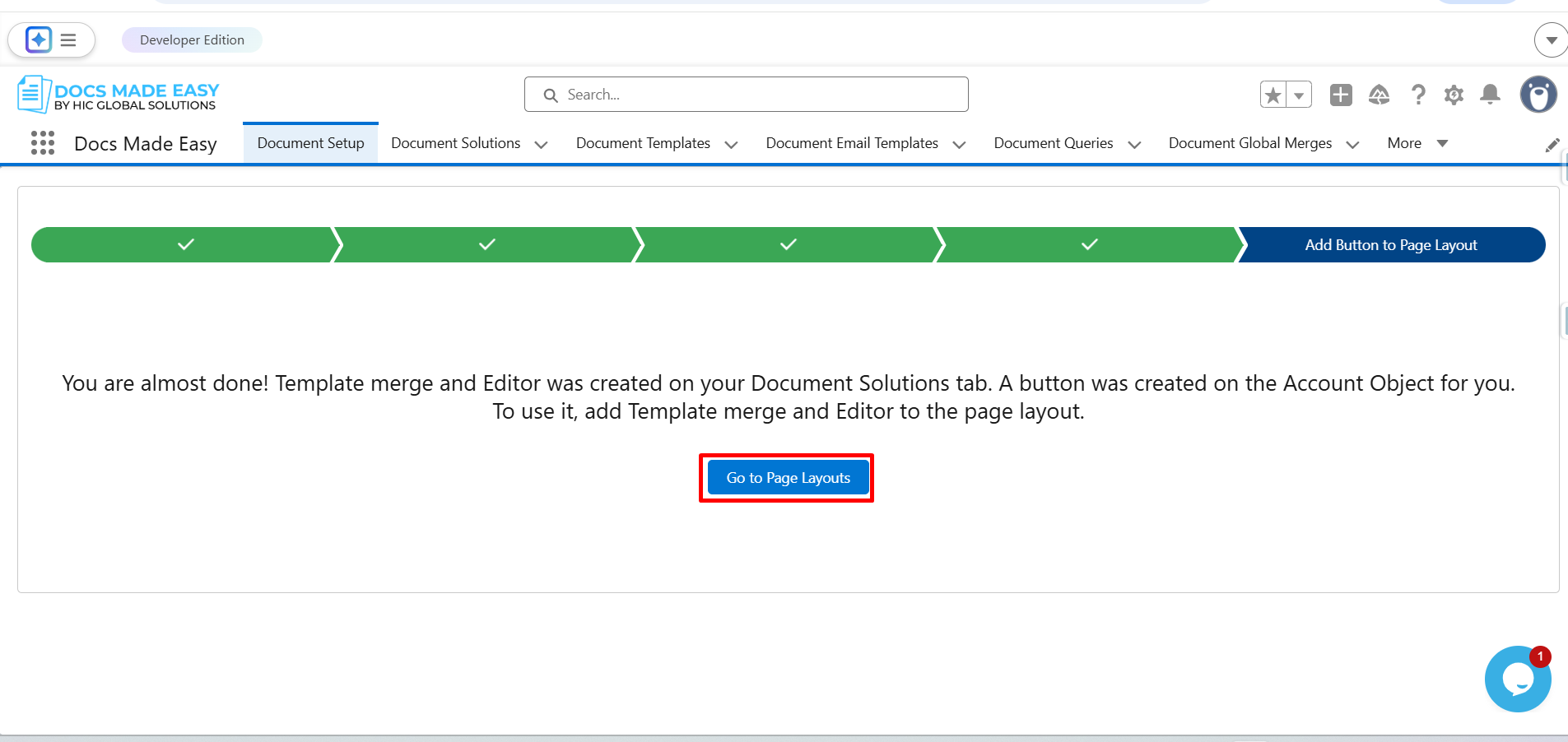
Step 10: Click on Go to Page Layouts.
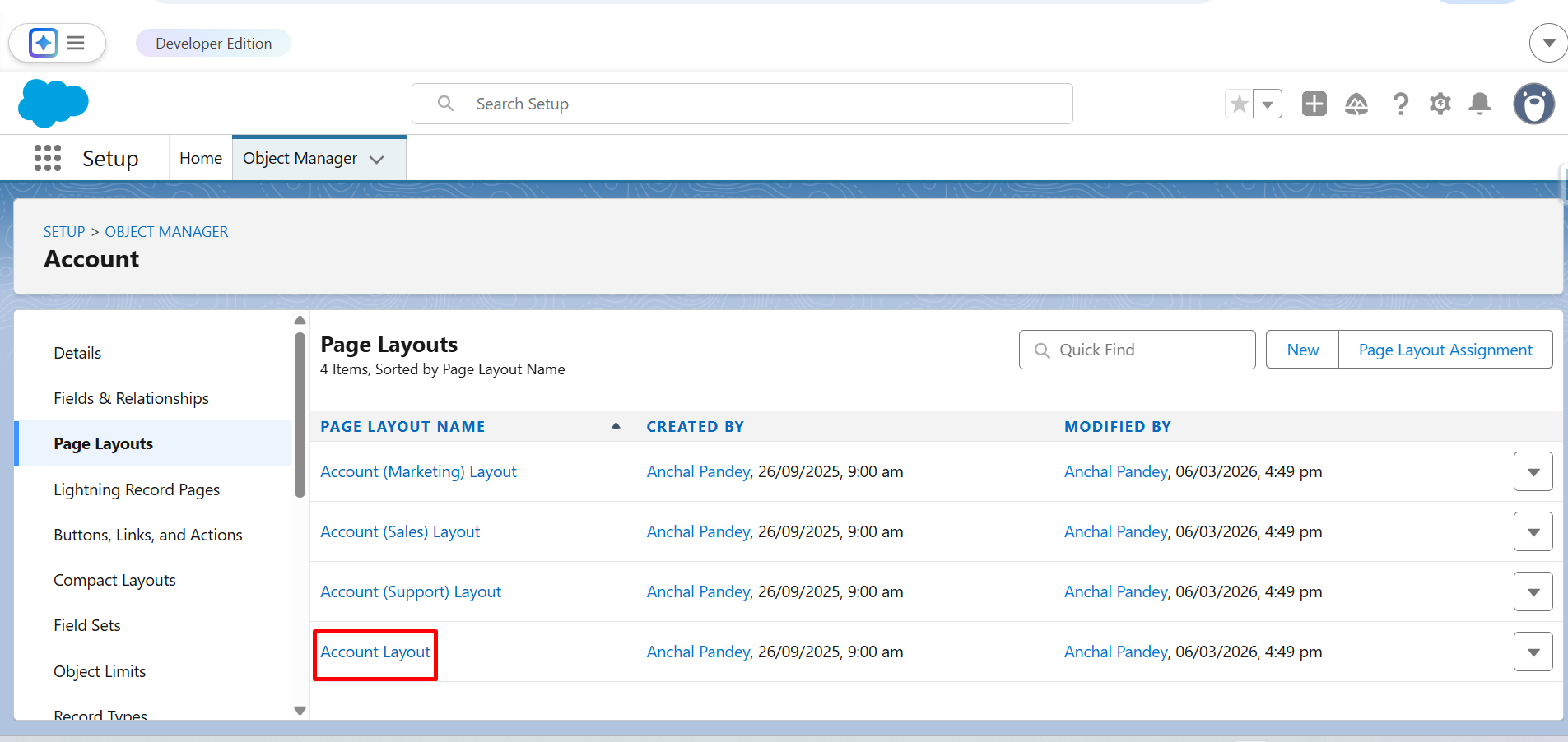
Step 11: Here, click on Account Layout.
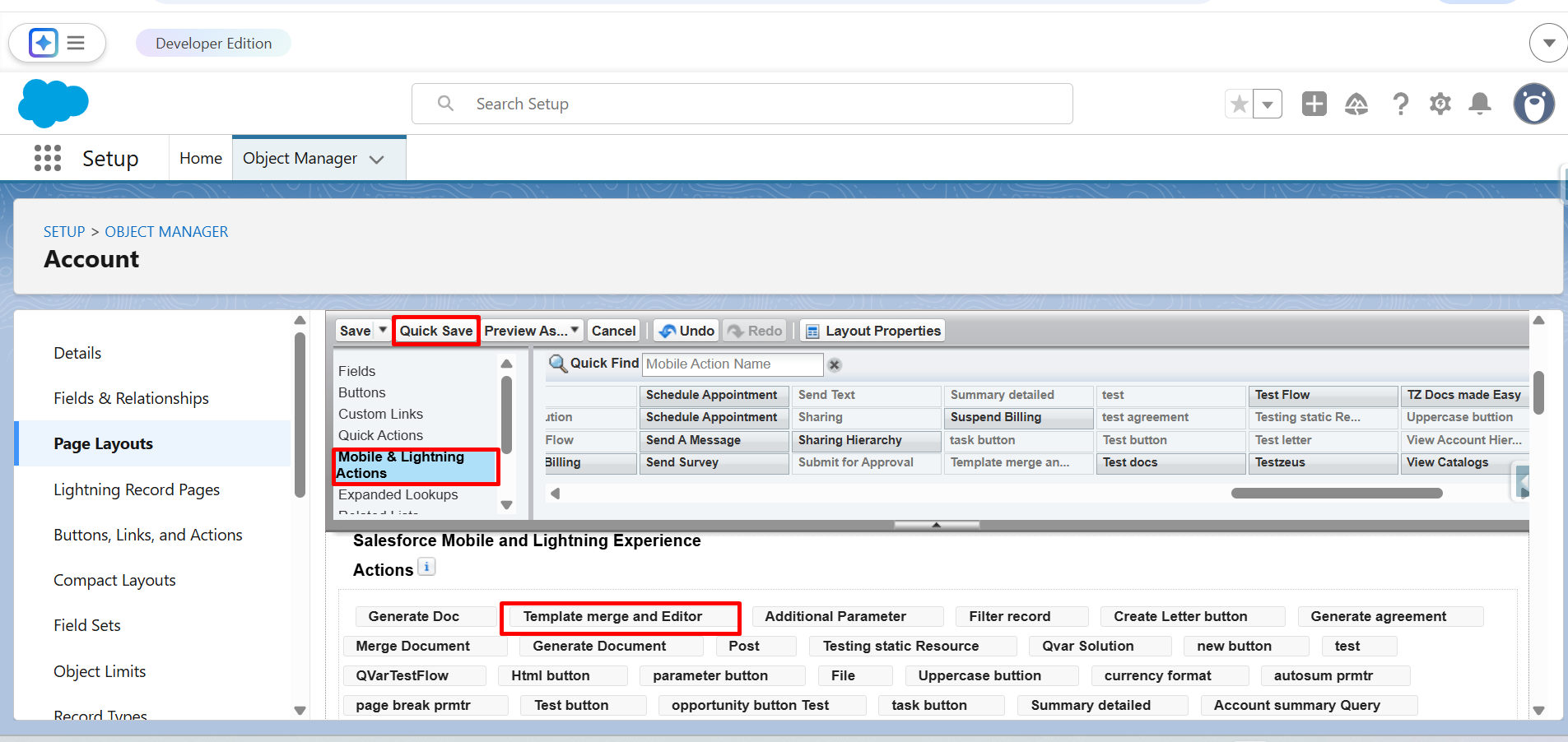
Step 12: From Mobile & Lightning Actions, drag and drop the Template merge and Editor button in Salesforce Mobile and Lightning Experience Actions.
Click on the Quick Save button.
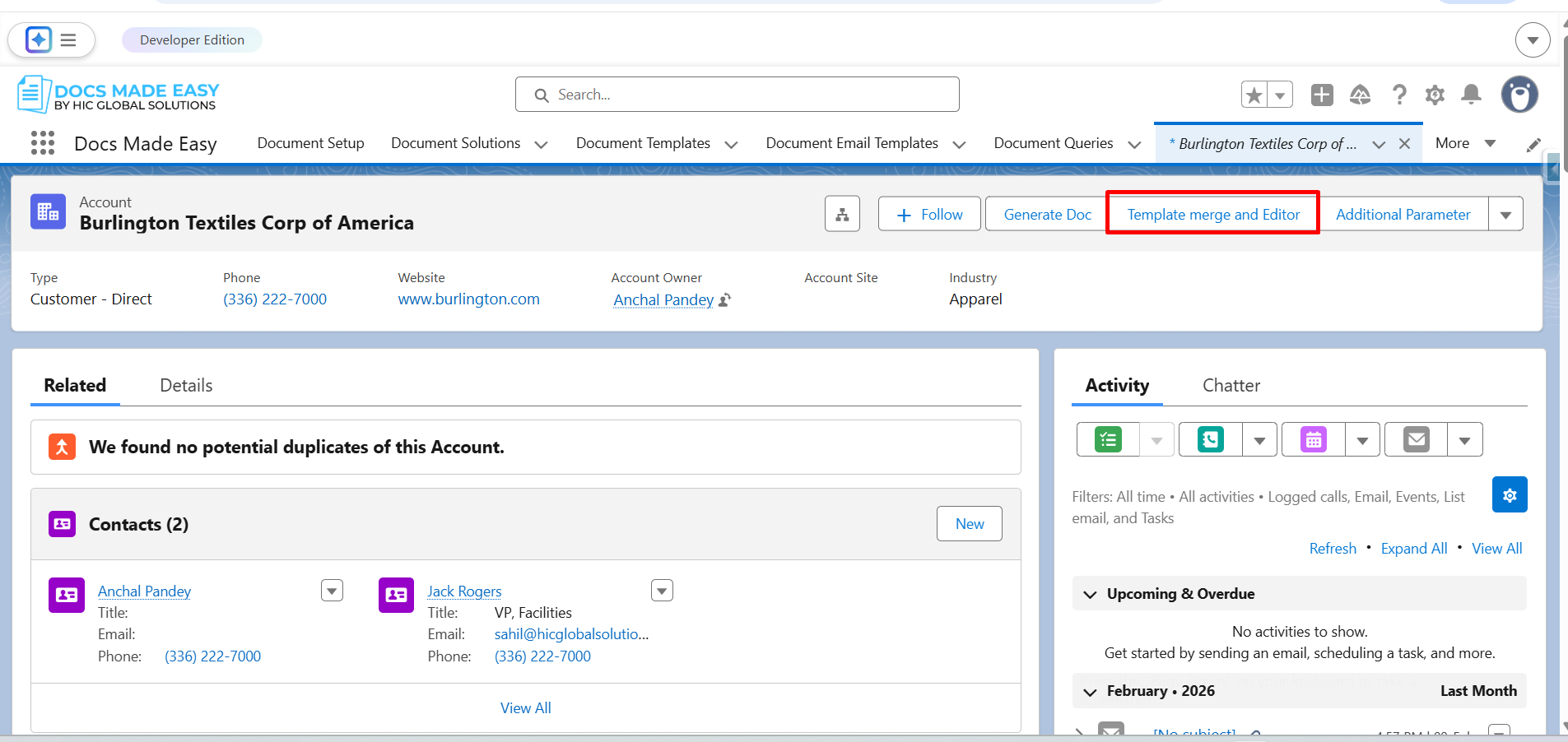
Step 13: Go to Account Record and click on the button (Template merge and Editor).
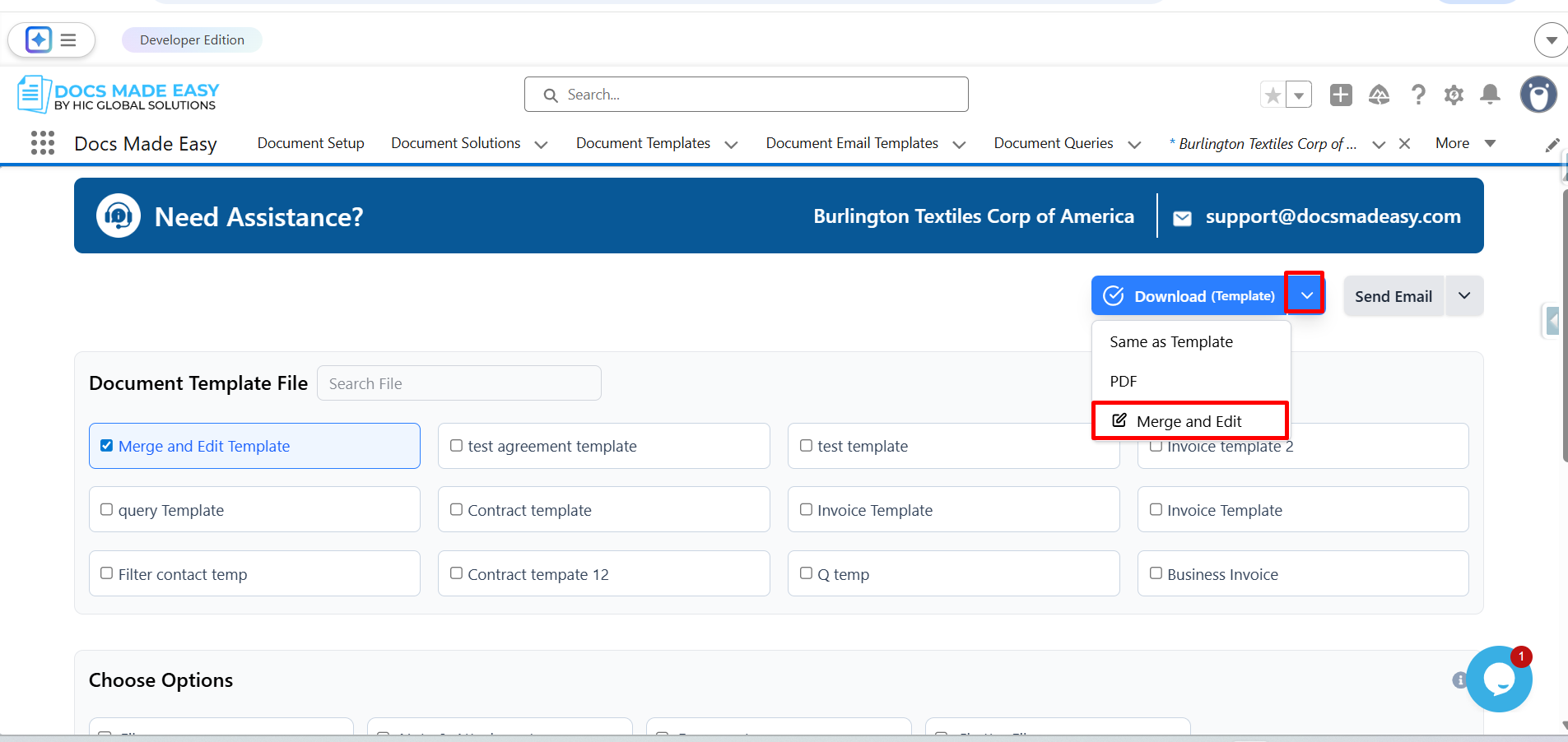
Step 14: Click the dropdown arrow next to the Download (Template) button.
From the available options, select Merge and Edit.
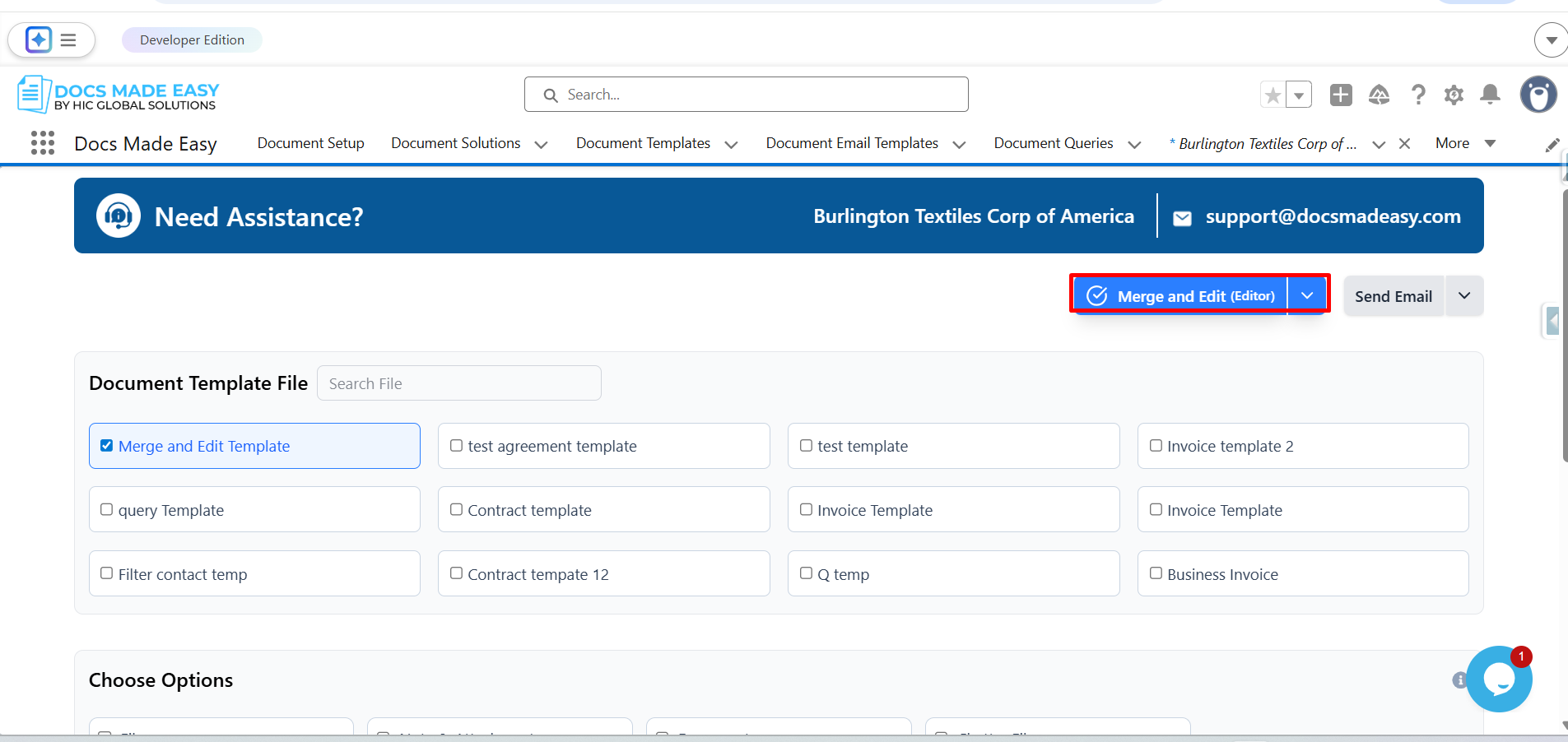
Step 15: Click on Merge and Edit (Editor).
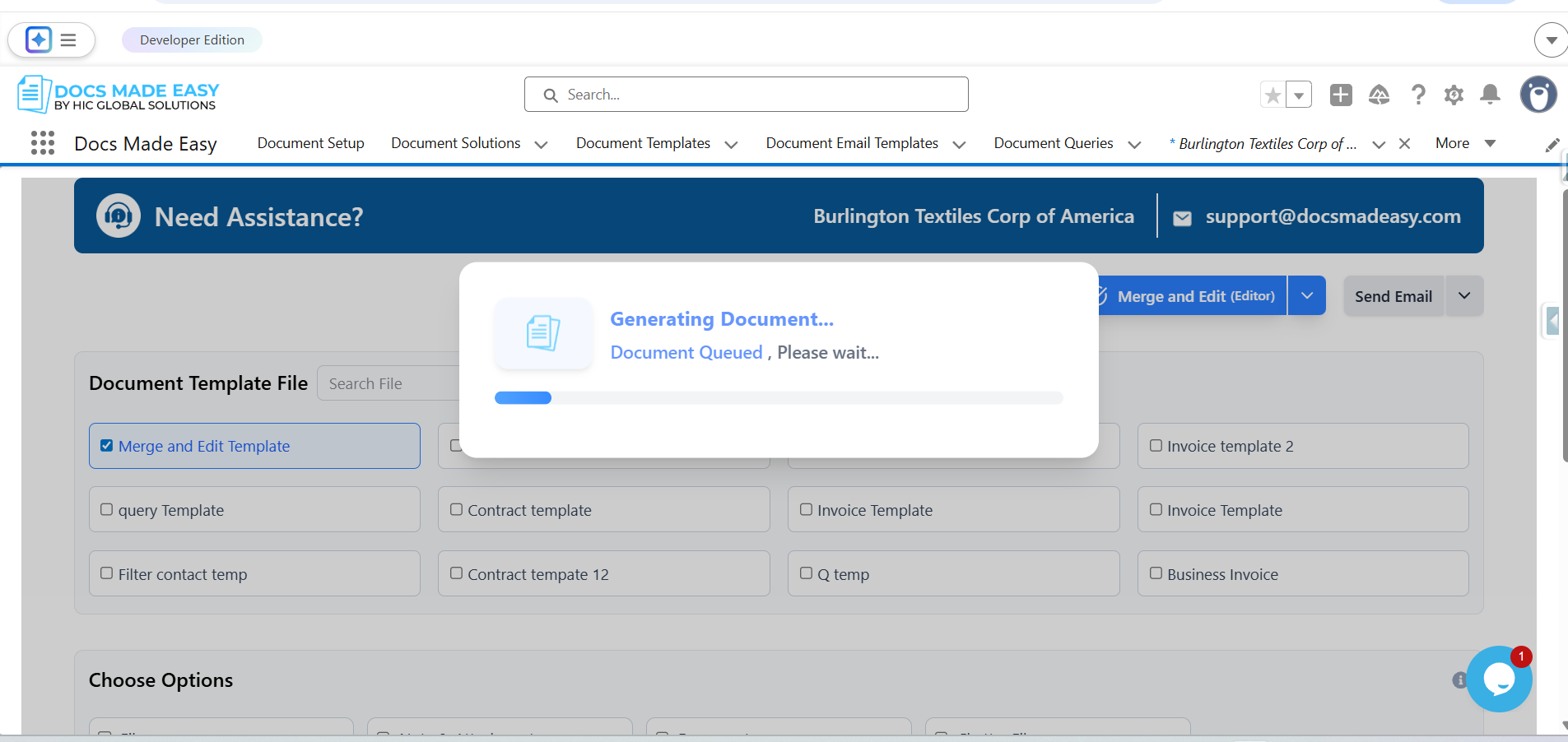
Step 16: Now, the system will start generating the document.
Step 17: The system will merge the template with the selected record data and open it in the document editor for further editing.
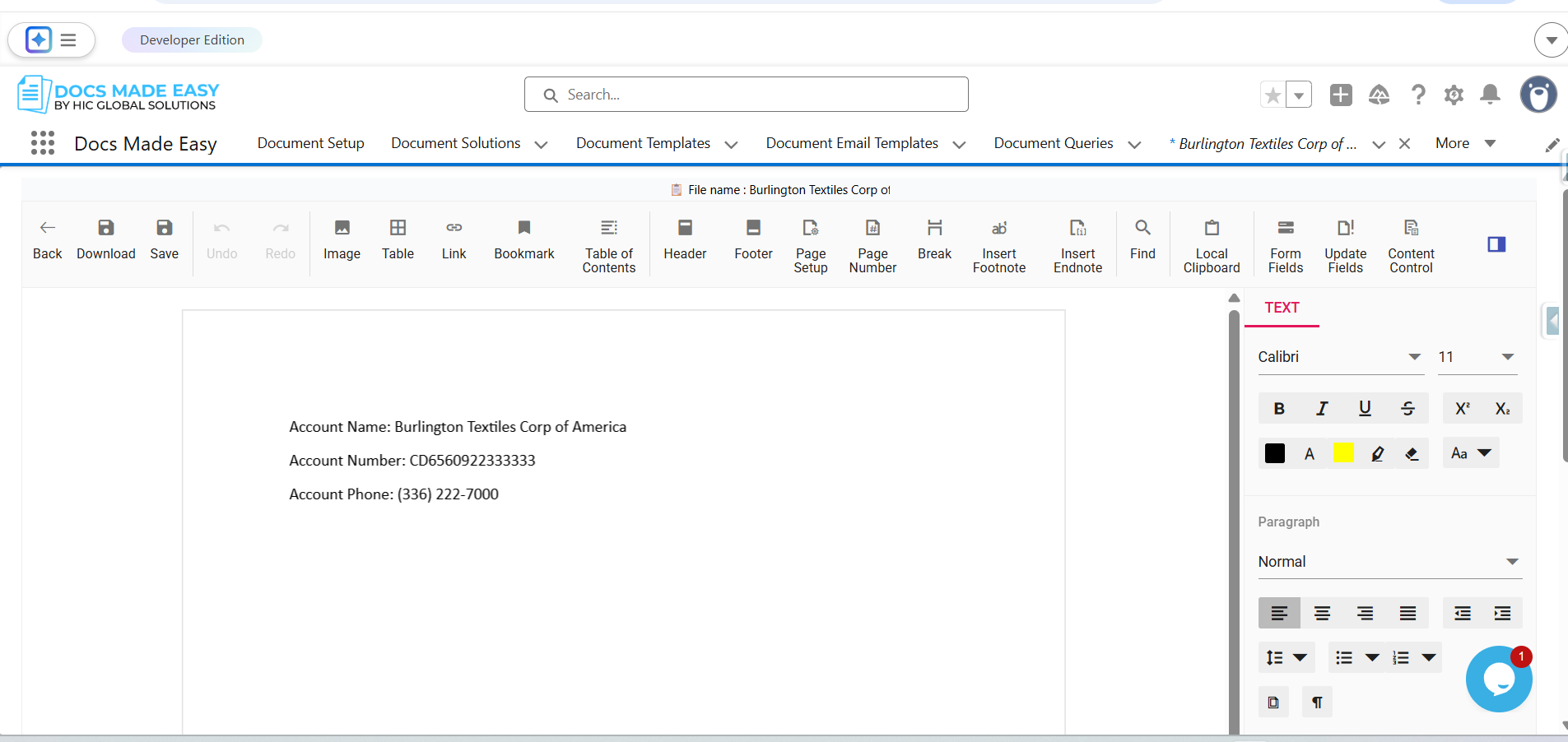
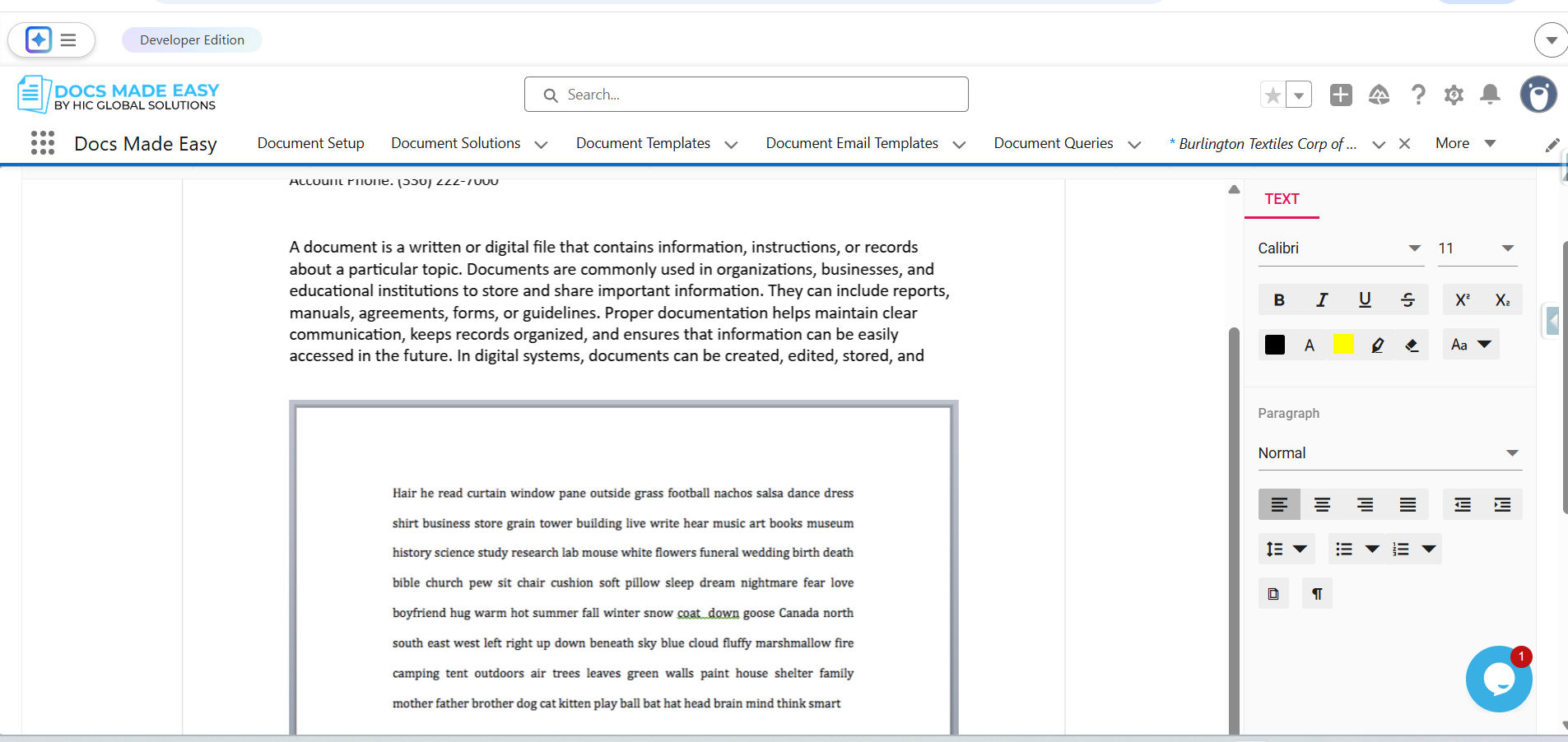
Step 18: Edit or update the content in the document as required.
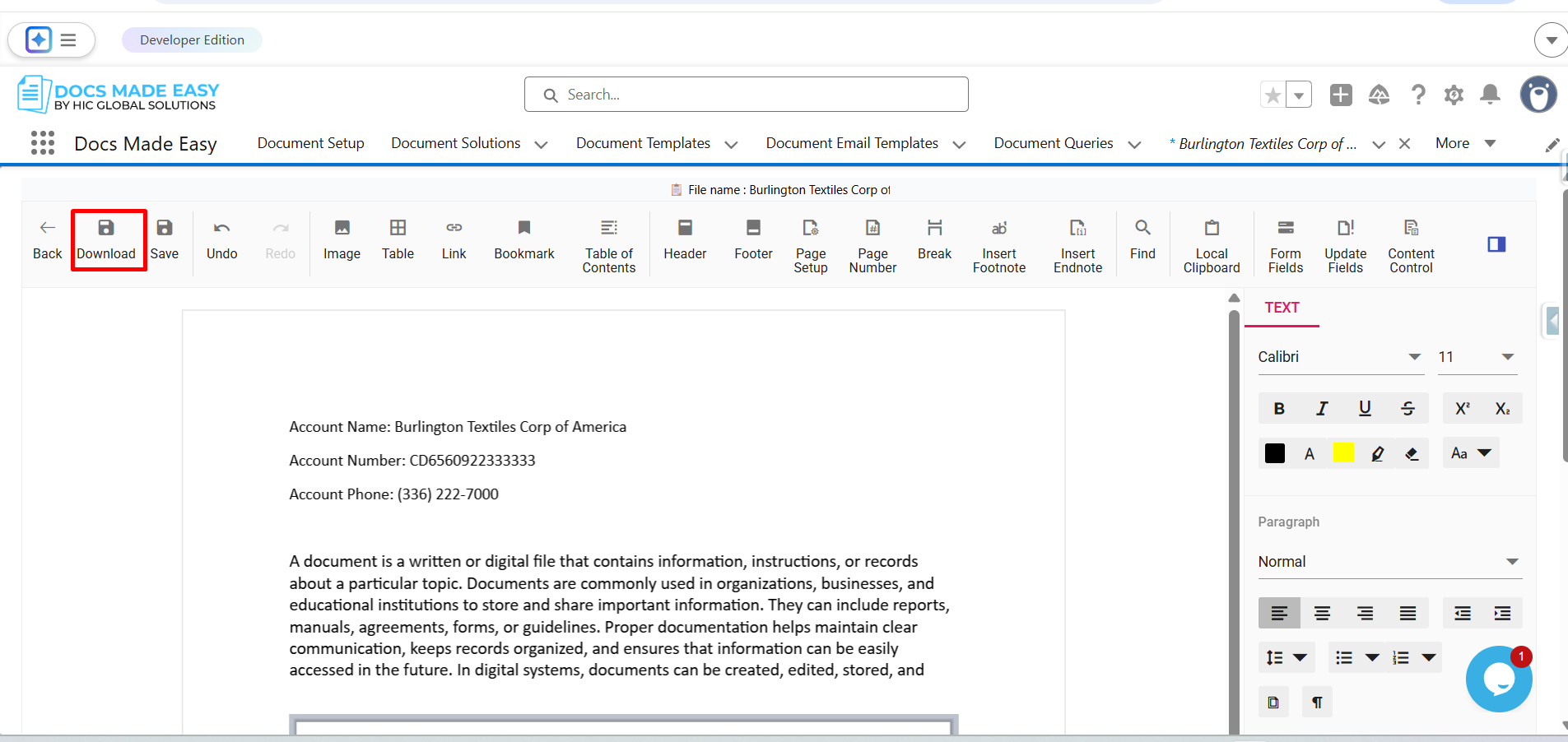
Step 19: After completing the changes, click on the Download button available in the editor.
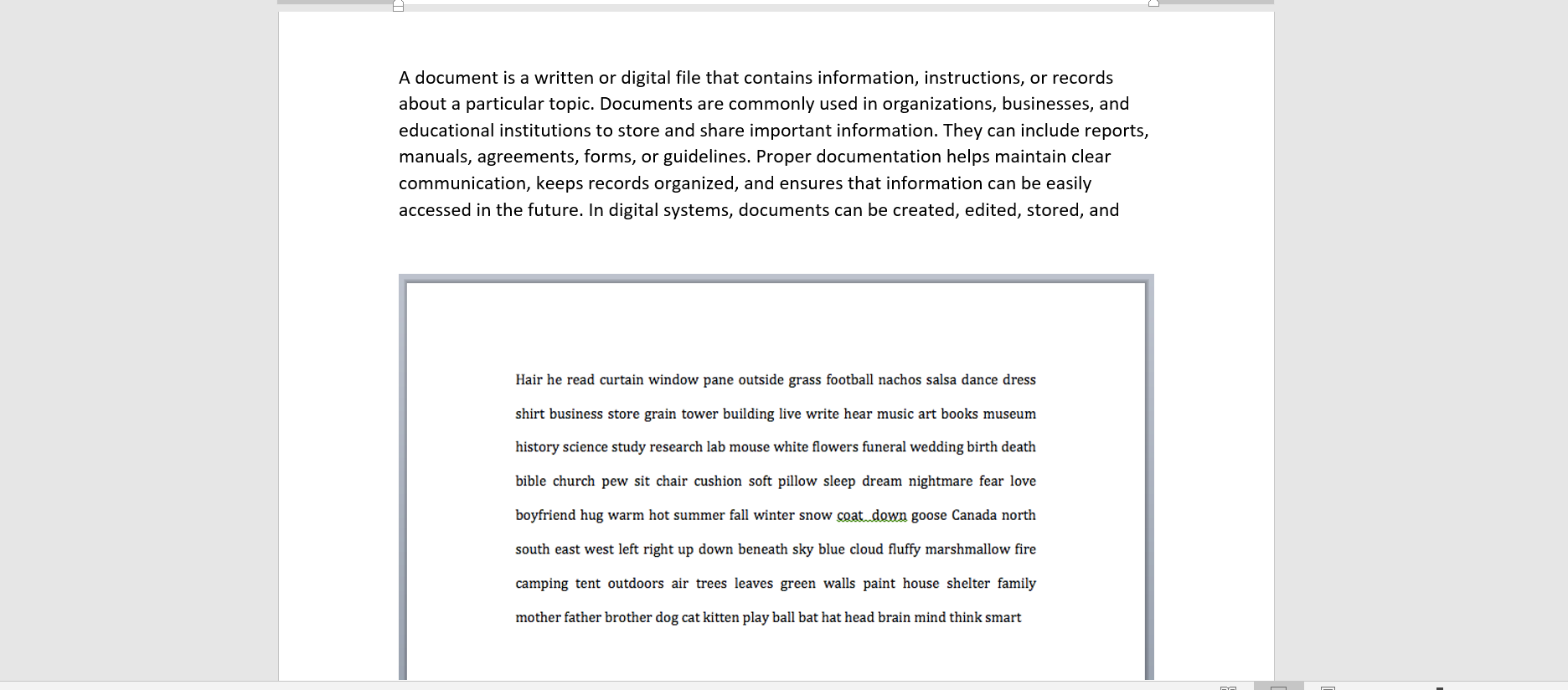
Step 20: The system will download the edited document to your device.
Conclusion
By following these steps, handling document generation becomes much easier, even when last-minute edits are required. So now you don’t need to edit the document anywhere else; in the same Salesforce document solution, you can create, share, and edit any Salesforce document at any time. This helps teams work faster, reduce confusion, and confidently manage documents.
Frequently Asked Questions
Related Blogs
How to Generate & Send Documents for eSign in Salesforce
Sending a document for signature directly from Salesforce can make the approval process much easier, especially when you want to…
How to Generate Salesforce Documents Using Quick Document Merge
Creating Salesforce documents does not have to involve multiple steps or moving between different tools. With Quick Document Merge, you…
How to Create a Scope of Work (SOW) in Salesforce with Docs Made Easy
Creating a Scope of Work manually can take time, especially when information needs to be collected from Salesforce and added…