How Touch the World Improved Document Workflows with Bulk Generation
 Non-Profit
Key Highlights
100%
faster bulk document generation
90%
less manual effort
95%
improved document accuracy
Challenges
Managing Separate Templates for Different Donors
The organization had two different thank-you templates. One template only needed to generate a document, while the other had to generate the document and send it automatically. Managing this manually was confusing for users and took extra time.
Bulk Document Generation Was Not Working
When users tried to generate documents for multiple records at once, they ran into a generic rendering error. Because of this issue, the team had to generate documents one record at a time, which slowed down the process.
Missing Data When Generating Documents in Bulk
Generating a document for a single record worked fine. But when the team tried generating documents in bulk, related list data did not appear in the document. This created incomplete files and required extra checking.
Email and Template Issues
There were also problems while sending documents through email. Some emails were not getting delivered properly. At the same time, a graphic kept appearing in the header and footer of the template even after it had already been removed.
Solutions
Bulk Document Generation from List View
We created a custom button on the Salesforce list view. This allows users to open the list view, select multiple records, and generate documents for all of them with a single click. This made the process much faster and easier.
Smart Logic for Household and Organization Records
Logic was added to check the record type automatically. When users select records, the system identifies whether the record belongs to a Household or an Organization and generates the correct document and sends it accordingly.
Generate or Generate-and-Send Process
Enabled document generation for multiple record types using a single dynamic list view. For Household records, the document is only generated for internal purposes. For Organization records, the document is generated and automatically sent through email. This removed the need for users to do extra steps.
Fixing Template and Email Issues
We reviewed the document templates and found the problem that was causing the rendering error. After fixing the template structure, bulk document generation started working properly. We also removed the unwanted graphic and checked the email configuration to make sure documents were delivered correctly.

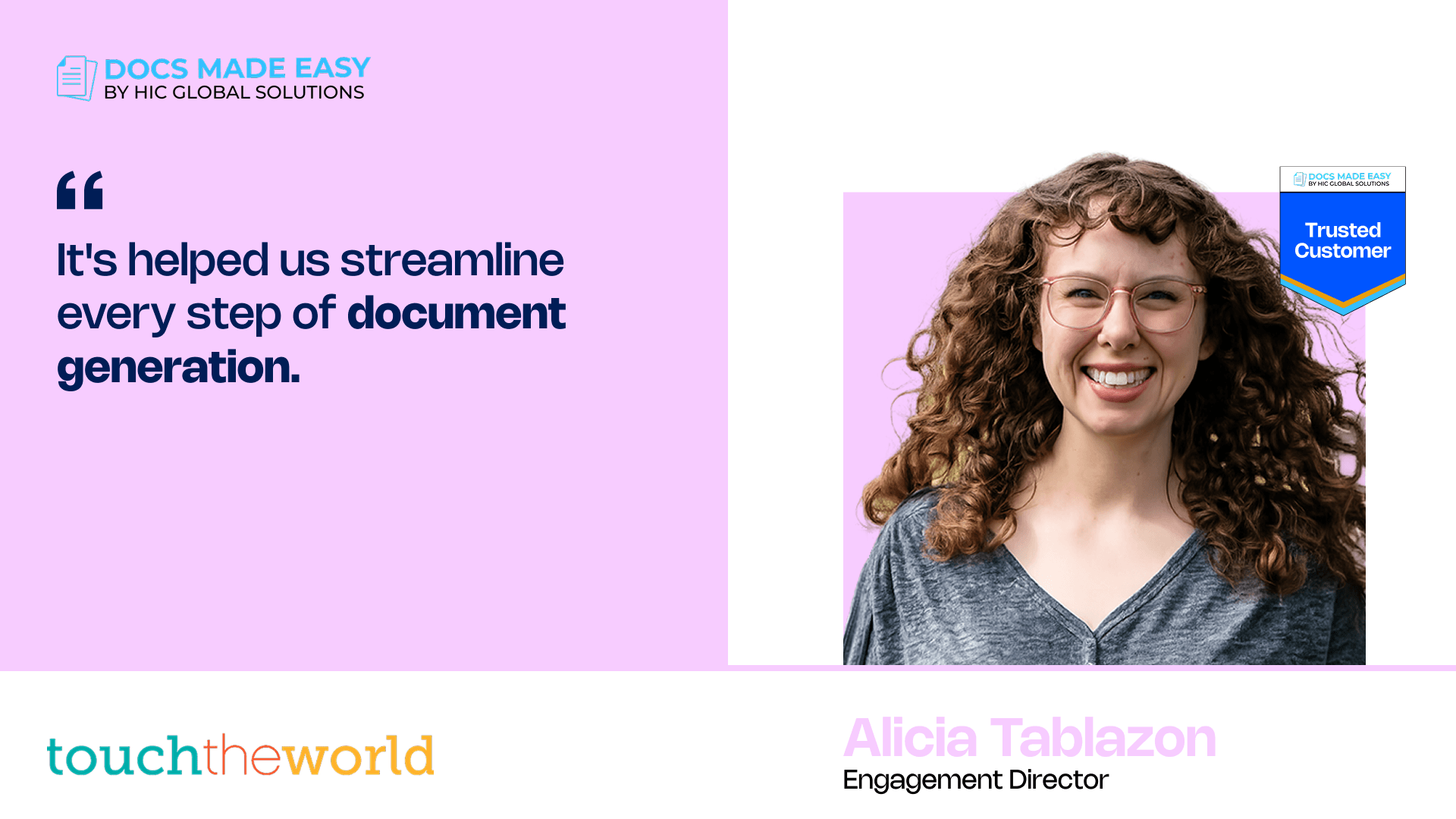
"It’s so much easier now. We can just select the records we need and generate all the documents at once instead of doing them one by one. And the support from Docs Made Easy has been really great too."

Alicia Tablazon
Engagement Director
Conclusion
Touch the World’s document process is now much easier for their team. Earlier, generating documents required multiple steps and users often had to deal with errors. Now, everything works smoothly inside Salesforce. Users can select multiple records and generate documents in one click. This saves time, reduces manual work, and helps the organization send the right documents to donors without confusion.
Company Overview
Touch the World is a non-profit organization that works to support communities through donations and outreach programs. They receive contributions from both individuals and organizations who want to support their mission. As the number of donors started increasing, managing thank-you documents for every donation became harder. The team wanted a simple way to generate and send documents directly from Salesforce without spending time doing everything manually.

Sales & Support
Need Help with Docs Made Easy Implementation Start your documentation journey today. No strings attached.
support@docsmadeasy.com +1(262)310-7818Related Client Stories