How to Stay Compliant While Automating Legal Document Generation
Category :
legal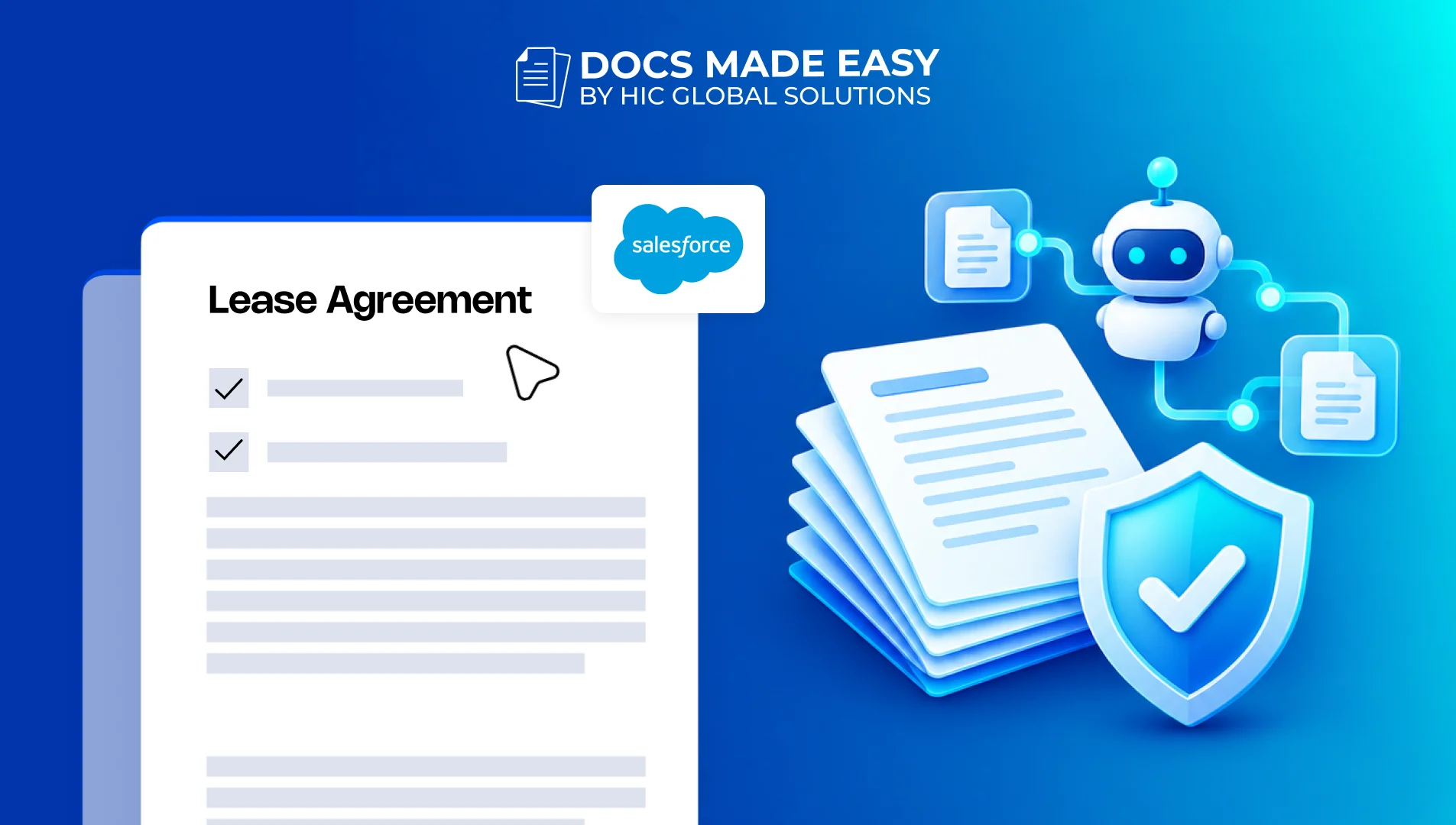
Docs shouldn’t be complicated.
With Docs Made Easy, creating professional, Salesforce-powered documents is just a few clicks away.
Get Started NowAutomating legal paperwork can significantly enhance efficiency, but it is crucial to ensure accuracy and compliance. This blog outlines key practices for maintaining legal document integrity, including the importance of human review, protecting confidential information, managing templates, setting role-based access, and maintaining clear audit trails. Additionally, integrating these practices within Salesforce using tools like Docs Made Easy can streamline document generation while ensuring adherence to legal standards.
Automating legal paperwork can save teams a considerable amount of time, especially when agreements, contracts, and other business documents need to be prepared regularly. However, when these documents contain confidential information or legally binding terms, getting them right becomes just as important as creating them quickly.
The concern is not limited to an incorrect clause or a missing detail. Unapproved changes, outdated templates, and poorly managed access can also create problems that may not become visible until a document is reviewed or challenged.
In this blog, we will cover a few important practices that can help businesses maintain compliance while using document generation for legal work, along with how the right Salesforce setup can support the process.
Keeping Legal Documents Accurate, Secure, and Accountable
Legal document generation involves more than filling in details and preparing a final copy. The information, clauses, approval process, and access permissions all need to be managed carefully. A consistent process also makes it easier to check where a document came from and who was involved in preparing it.
1. Keep Human Review in the Process
Even when documents are prepared automatically, the final review should not be left entirely to software. Legal teams still need to check whether the selected clauses, business terms, and information are suitable for the specific agreement.
This becomes especially important when using AI-assisted drafting or conditional templates. A human reviewer can spot missing context or wording that may not fit the situation.
Before a document is approved, make sure:
- The information matches the original agreement or request.
- Legal clauses are appropriate for the transaction.
- Any AI-generated content has been checked.
- The authorised person has approved the final version.
Thus, automation can take care of repetitive preparation, while the responsibility for legal accuracy remains with the appropriate people.
2. Protect Confidential Information
Contracts often contain customer details, financial information, employee records, and other sensitive data. Therefore, the way this information is collected, processed, and stored needs attention throughout the document generation process.
In addition to this, businesses should check how their provider handles data, including whether submitted information is used for AI model training and how long it is retained.
A few areas worth reviewing include:
- Encryption for data in transit and at rest.
- Multi-factor authentication and secure user access.
- Data retention and deletion policies.
- Vendor privacy practices and security documentation.
- Applicable requirements such as GDPR or HIPAA, depending on the information and business activities involved.
It is also better to avoid entering confidential client information into public or unverified AI services. The right safeguards should be in place before sensitive information becomes part of an automated workflow.
3. Manage Templates and Legal Clauses
An outdated template can create compliance issues even when the document is generated correctly. For instance, an agreement may still contain an older clause or terms that no longer match the company’s current legal requirements.
A centralised template library can help prevent this. Legal teams can maintain approved versions, review changes, and make sure employees are using the right documents for each situation.
It is also worth keeping a record of template updates, including who approved a change and when it became effective. This makes legal document creation more consistent across departments and reduces the chances of employees using different versions of the same agreement.
4. Set Access Based on Roles
Not everyone involved in preparing a document needs permission to change its legal language. A sales employee may need to generate an agreement, while only an authorised legal team member should be able to update the master template or its clauses.
Role-based access control helps maintain this separation. It also reduces the chances of accidental changes being made to approved templates or workflow conditions.
Consider setting permissions for:
- Creating documents from approved templates.
- Editing or publishing master templates.
- Updating clauses and conditional rules.
- Reviewing and approving generated documents.
- Accessing completed agreements and confidential records.
This way, employees can carry out their responsibilities without having access to changes that should remain under legal or administrative control.
5. Maintain Clear Audit Trails
When a legal document is questioned, businesses may need to understand how it was prepared and what happened before approval. Having the final copy alone may not provide enough information.
A reliable document generation process should maintain records of important activities, such as document creation, template versions, edits, approvals, and the people involved. Additionally, version control can help teams distinguish between an earlier draft and the final approved document.
Regular reviews are useful here as well. Teams should check whether templates still reflect current requirements, access permissions remain appropriate, and approval workflows are working as expected.
Bringing These Practices into Your Salesforce Workflow
For businesses already working with Salesforce, Docs Made Easy can help bring document generation and automation closer to the records and information employees use every day. Instead of preparing each agreement separately, teams can use Salesforce data and approved templates to create business documents within their existing environment.
This can be useful for legal document creation, particularly when agreements need consistent information and a repeatable preparation process. Some of its relevant capabilities include:
- Salesforce data-based documents: Generate contracts, agreements, and other documents using information stored in Salesforce records.
- Reusable templates: Maintain standard document formats for recurring requirements.
- Bulk generation: Prepare multiple documents when the same process needs to be carried out for several records.
- Template management: Support a more consistent approach to preparing business documents.
- eSignature integration: Connect document preparation with signing through Sign Made Easy.
Additionally, Docs Made Easy can support a more organised approach to Salesforce document generation by keeping document preparation connected to CRM information. Legal teams should still maintain their own review and approval rules, particularly for sensitive agreements.
When evaluating any document generation setup, it is worth checking the available access controls, security arrangements, audit capabilities, and data handling practices against your organisation’s requirements. The product’s capabilities should support those policies rather than replace them.
Conclusion
Compliance should remain part of the process from the moment a document is prepared until its final version is approved and stored. Human review, controlled templates, secure data handling, and clear audit records all help reduce the chances of avoidable mistakes.
With the right practices in place, businesses can make document generation more consistent without losing oversight of important legal details. Salesforce users can also explore Docs Made Easy and install it from Salesforce AgentExchange to bring document preparation closer to their existing workflows.