How to Create And Distribute Dynamic Reports with Docs Made Easy
Category :
How To

Docs shouldn’t be complicated.
With Docs Made Easy, creating professional, Salesforce-powered documents is just a few clicks away.
Get Started NowDocs Made Easy, the popular Salesforce document generation software helps create dynamic reports that pull data directly from Salesforce reducing the need for manual data entry and minimizing errors.
With the ability to create reports quickly and easily, you can focus on analyzing the data, identifying trends, and making informed decisions that will drive your business forward.
In this blog today, we’ll walk you through the steps to create and distribute dynamic reports using the most intuitive, Salesforce document generation tool, Docs Made Easy.
Step 1: Configure your report parameters
The first step in creating a dynamic report is to configure your report parameters. This is where you define the data you want to include in your report, such as date range, filter criteria, and sort order.
Docs Made Easy app provides many parameters you can use to customize your reports, such as account ID, opportunity ID, and product code. You can find a complete list of parameters in the app’s FAQ section.
Step 2: Create your report template
Once you’ve configured your report parameters, you can create your report template. This is where you define the layout and formatting of your report, including the fields you want to include, the fonts and colors you want to use, and any images or logos you want to include. You can create customized templates as per your requirements using Docs Made Easy.
Step 3: Generate and distribute your salesforce document generation report
Once you’ve configured your report parameters and created your report template, you’re ready to generate and distribute your report. The Docs Made Easy app makes this process simple – just select the report parameters and template you want to use and click “generate the report.” The app will automatically generate your report and distribute it via email.
With Docs Made Easy, you can create and distribute dynamic reports quickly and easily, without any coding or technical expertise required. Whether you’re a sales manager looking to track team performance, or a financial analyst looking to monitor expenses, the Docs Made Easy app can help you make better decisions with accurate and timely data.

Wrap Up
Summing up the Docs Made Easy app is valuable for creating and distributing dynamic reports with the Salesforce document generation tool.
Following the steps outlined above, you can customize your reports to meet your specific needs, and ensure that decision-making is based on accurate and up-to-date information. Check out Docs Made Easy on Salesforce AppExchange and get started today!
No Data Found.
Related Blogs
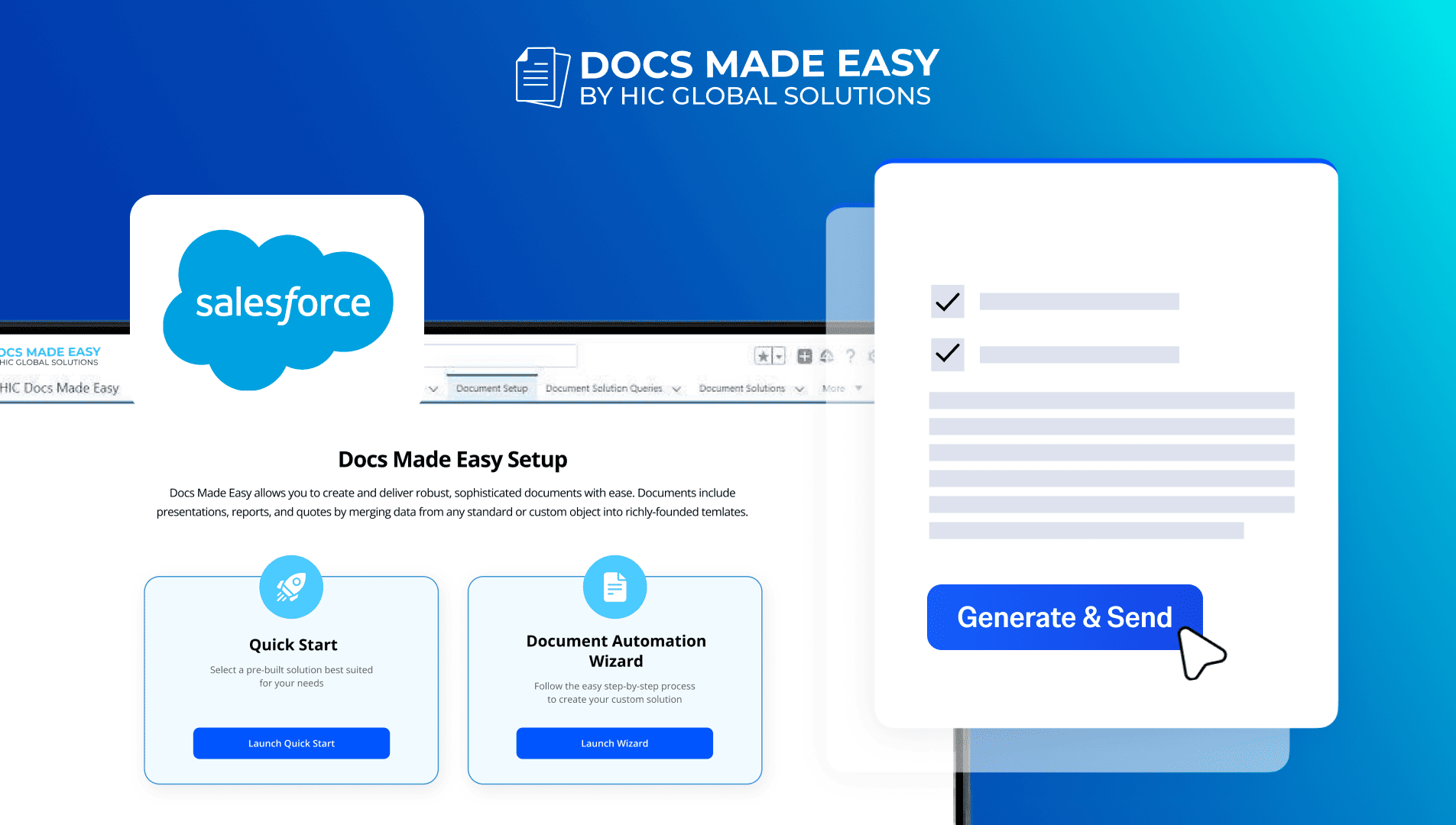
How to Generate & Send Documents for eSign in Salesforce
Sending a document for signature directly from Salesforce can make the approval process much easier, especially when you want to…
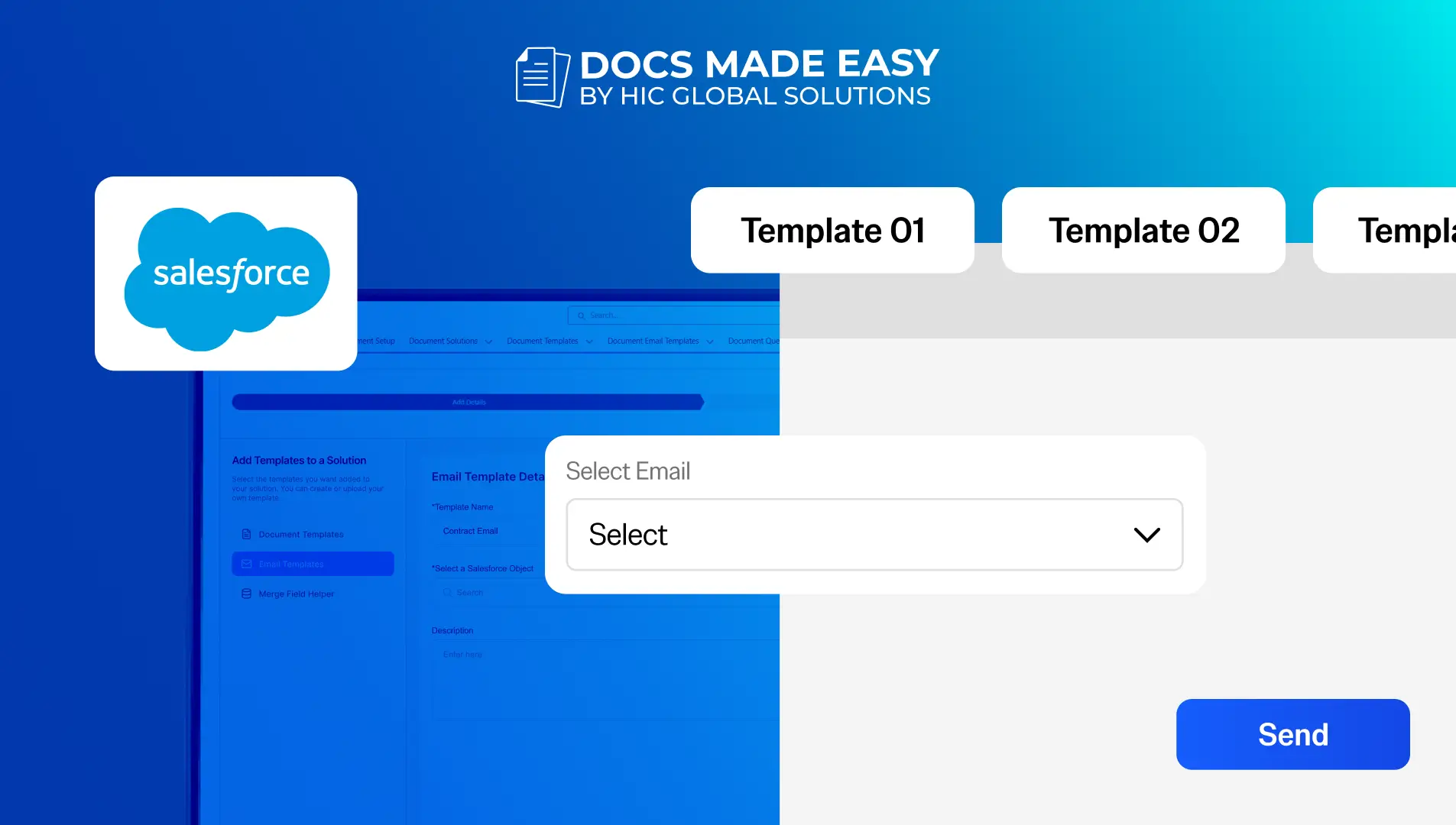
How to Generate Salesforce Documents Using Quick Document Merge
Creating Salesforce documents does not have to involve multiple steps or moving between different tools. With Quick Document Merge, you…
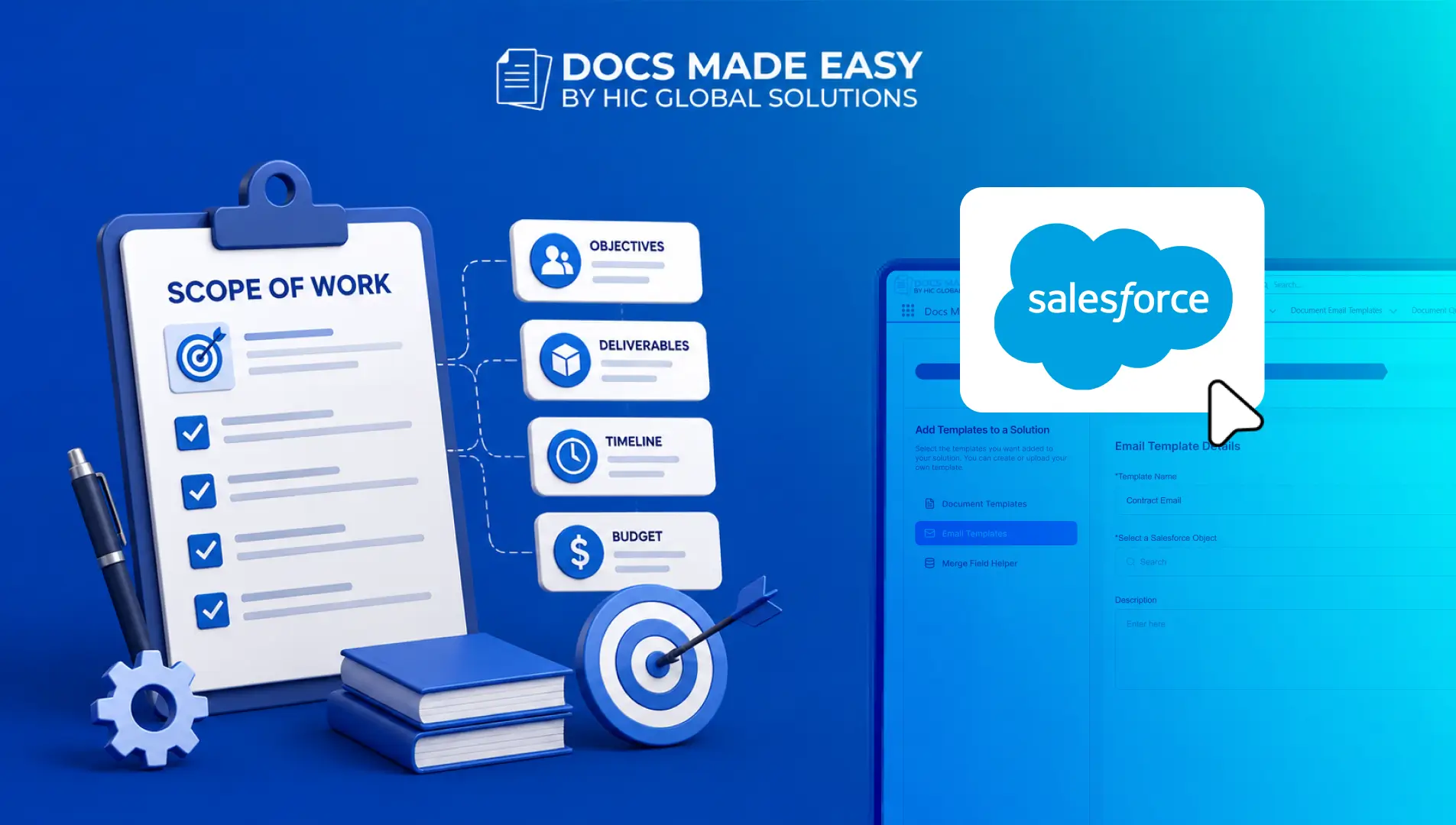
How to Create a Scope of Work (SOW) in Salesforce with Docs Made Easy
Creating a Scope of Work manually can take time, especially when information needs to be collected from Salesforce and added…