How Universities Reduce Administrative Work by 75% Using Automated Document Generation
Category :
How To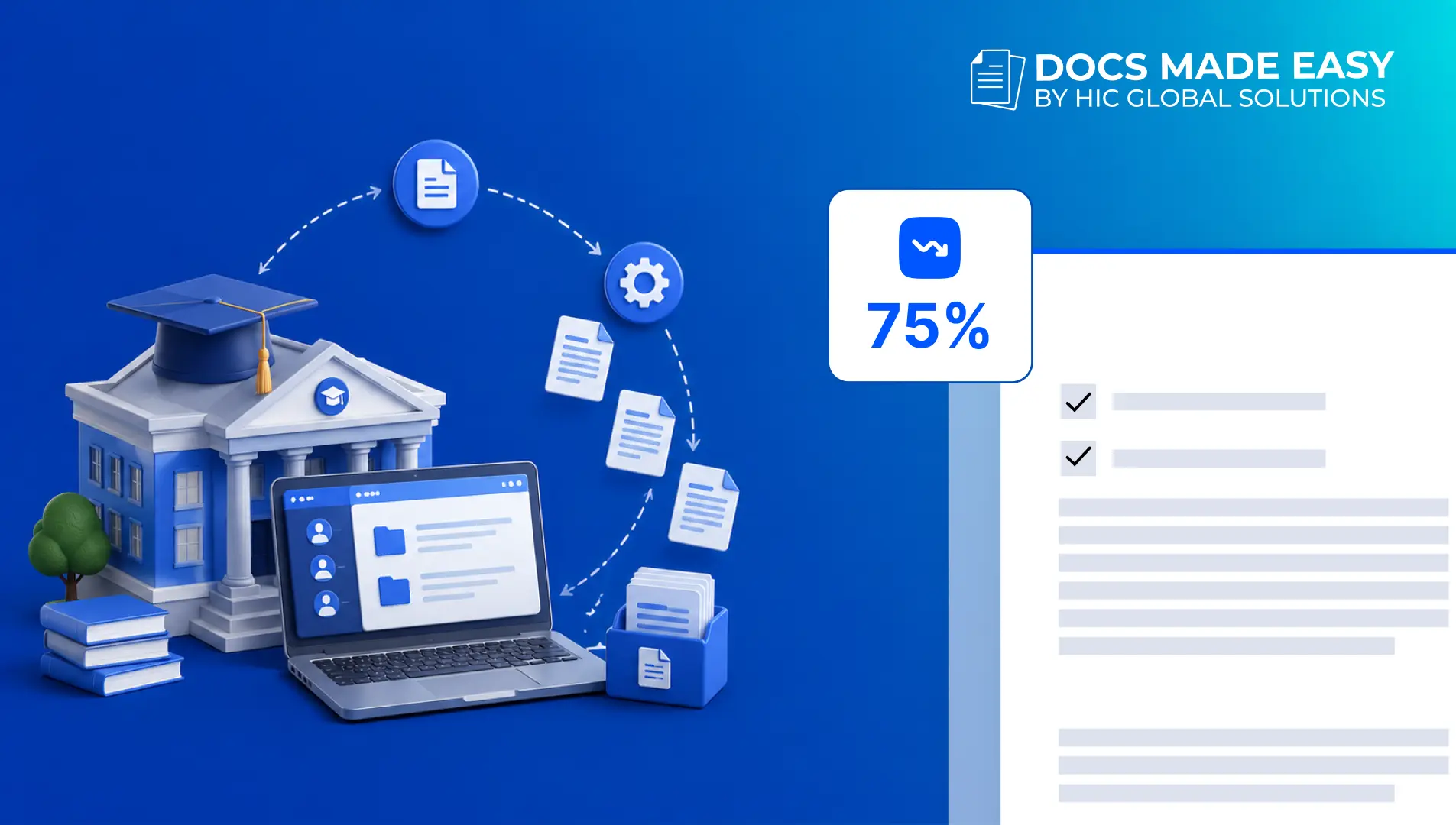

Docs shouldn’t be complicated.
With Docs Made Easy, creating professional, Salesforce-powered documents is just a few clicks away.
Get Started NowUniversities have a lot going on. Admissions, enrollment, student records, certificates, agreements, invoices, reports, and then there are probably ten more documents waiting for someone to create them.
And most of the information needed for these documents is already sitting somewhere in Salesforce. So the real question becomes, why are teams still spending hours copying the same information from one place to another?
This is where Salesforce document automation starts becoming useful. Instead of making every document a separate manual job, universities can connect their existing Salesforce data with templates and let the documents get created as part of the process.
So, let’s find out how document automation helps universities and how others are already putting it into practice.
How Document Automation Helps Universities and the Education Industry
Document work may look like a small administrative activity, but when hundreds or thousands of students are involved, those small tasks become a lot of work.
And this is where automation can actually help, not just by creating documents faster but by taking several repetitive steps away from the people doing them.
A university already has student names, program details, enrollment information, application data, contact details, and other records inside Salesforce.
With Salesforce document automation, this information can be pulled directly into the required document. So instead of someone opening a record, copying details, opening a template, pasting everything, checking it, and then doing it again, the process can happen automatically.
That sounds like a small thing, but imagine doing it for 500 students. Suddenly it is not such a small thing anymore.
There is another part of the process that usually creates a lot of back-and-forth, approvals and signatures. A document gets prepared, someone sends it, another person reviews it, then somebody remembers that a signature is still pending, and well… you know how that goes.
With document automation connected to eSignature workflows, the document can automatically move to the right person for approval or signature after it is generated. Once the action is completed, the status can also be updated in Salesforce, keeping everyone on the same page without chasing people through emails.
Document automation can also become part of larger Salesforce workflows instead of working as a separate activity. A change in a student record can trigger the next document-related action automatically.
For instance, when an application reaches a particular stage, a document can be generated, sent for approval, signed, stored against the Salesforce record, and then the next workflow can continue.
This gives universities a more connected process because the document is not just a file anymore. It becomes one part of the complete activity happening inside Salesforce, and therefore less manual coordination is needed between different teams.
Enrollment brings another group of documents with it. Agreements, confirmation letters, forms, and other student-related paperwork all need to be prepared correctly.
Using document automation Salesforce capabilities and prebuilt templates offered by Salesforce native solutions like Docs Made Easy makes the process even easier. With this, you don’t even have to create your document manually, you can just pick the template, and the information will be populated automatically from Salesforce.
The template stays the same, the student information changes, and the document is generated accordingly. Simple enough, and that is kind of the point.
Universities work with a lot of student information, and the same details can appear in different places. A small change in a student’s program, address, enrollment status, or other information can easily get missed when everything is handled manually.
With document automation, Salesforce can act as the data source while the document uses the latest available information. Therefore, the chances of sending a document with old or mismatched information become much lower.
Creating the document is not always the final step. Sometimes it needs to be sent for approval, shared with a student, stored against a record, or followed by another internal action.
For instance, imagine a student completes a fee payment, and someone now has to check the payment, find the right receipt, attach it, write an email, and send it.
This is where automation becomes more useful. The document creation event can trigger the next step in the workflow, so teams do not have to manually move the process forward every time. Additionally, this can help universities connect document activities with their wider Salesforce processes, rather than keeping everything as separate tasks.
Creating one document manually is probably not a big deal. Creating 1,000 documents manually… well, that is a different story.
This is where Salesforce document automation can make a much bigger difference. Universities can generate large batches of documents while still using individual student or record information for each file.
Additionally, teams can spend that saved time on student support and other work that actually needs a person, instead of sitting there creating document number 647.
Another useful part is that generated documents can remain connected to the Salesforce record they were created from.
So, if a staff member needs to find a particular student’s document later, they do not necessarily have to search through random folders or email threads.
The document can be managed around the same Salesforce record where the related information already exists.
Yale and Northwestern Universities Have Already Put This Into Practice
Universities have already started using document automation to make their day-to-day operations more efficient.
Docs Made Easy has already helped universities such as Yale University and Northwestern University simplify their document generation processes by using Salesforce data more effectively.
Yale University used Docs Made Easy to simplify the way documents could be generated from Salesforce data.
Instead of depending on repetitive manual document preparation, the process allows required information to be pulled from Salesforce and placed into the appropriate document templates.
For education teams handling large amounts of information, this makes the whole process easier to manage, especially when the same type of document needs to be created again and again.
Northwestern University also used Docs Made Easy to make document generation more connected with Salesforce.
The idea was pretty straightforward. When the information already exists in Salesforce, teams should be able to use that information directly rather than typing everything into another document manually.
This helps create a smoother document workflow and also keeps the information used for document creation connected with the records teams are already working with.
The bigger point here is not simply that universities can generate documents faster.
It is that Salesforce for education can become much more useful when the information stored inside it can actually be used to complete everyday administrative work.
And when document creation is connected to those records, teams are not just storing information anymore. They are actually doing something with it.
Making Salesforce Document Automation Easier With Docs Made Easy
This is exactly where Docs Made Easy fits into the picture.
Docs Made Easy helps education teams create documents directly from Salesforce data, so employees do not have to keep jumping between Salesforce, Word documents, spreadsheets, and folders just to prepare one file.
With DocGen for education, teams can create different types of documents using information already stored in Salesforce, including student documents, agreements, certificates, invoices, reports, letters, and other administrative files.
Instead of rebuilding a document every time, teams can create templates and connect them with the Salesforce information they need.
Then, when a document is required, the relevant data can be pulled into that template automatically.
This is where Salesforce document solutions become useful because the document process is no longer completely separate from the data that powers it.
Whether the university needs one student’s document or hundreds of documents together, the process can support both types of requirements.
The information can be taken from the relevant Salesforce records, placed into the template, and used to generate the required documents without making staff repeat the same work again and again.
The biggest advantage is that teams can work around the Salesforce environment they already use.
There is less need to move data between different tools just to create a document, and the information used for generation can come directly from Salesforce.
Furthermore, as universities continue adding more automation to admissions, student services, finance, and other operations, document generation can become another part of that connected workflow.
Conclusion
University administration is full of repetitive work, and document preparation is definitely one of those tasks that can quietly take up a lot of someone’s day.
With Salesforce document automation, universities can use the information they already have to create admission letters, enrollment documents, certificates, reports, financial documents, and other files without doing everything manually.
The examples of Yale University and Northwestern University also show how this can work in real education environments, where teams need documents to be created accurately but also without making the process unnecessarily complicated.
Docs Made Easy brings that automation directly into Salesforce, helping education teams create and manage documents from the data they already have.
Because at the end of the day, businesses should probably spend more time helping students and less time copying a student’s name from Salesforce into a document for the hundredth time.

Top Companies Trust Docs Made Easy What’s Stopping You?
Frequently Asked Questions
Related Blogs
How to Generate & Send Documents for eSign in Salesforce
Sending a document for signature directly from Salesforce can make the approval process much easier, especially when you want to…
How to Generate Salesforce Documents Using Quick Document Merge
Creating Salesforce documents does not have to involve multiple steps or moving between different tools. With Quick Document Merge, you…
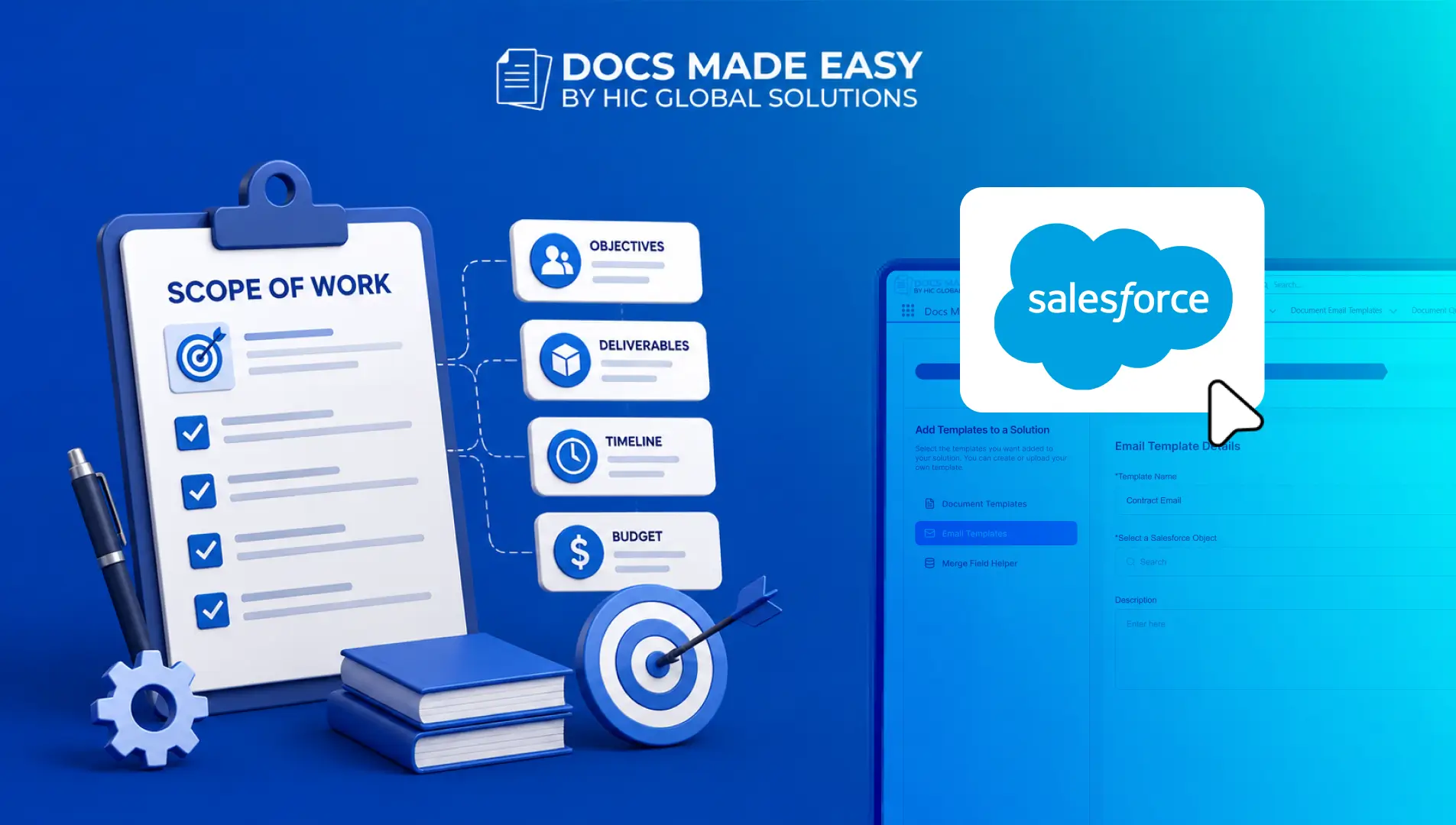
How to Create a Scope of Work (SOW) in Salesforce with Docs Made Easy
Creating a Scope of Work manually can take time, especially when information needs to be collected from Salesforce and added…