How Does Salesforce Revenue Cloud Simplify the Quote-to-Cash Process?

Category :
How To

Published: July 6, 2026

Docs shouldn’t be complicated.

With Docs Made Easy, creating professional, Salesforce-powered documents is just a few clicks away.

Get Started Now

For a long time, businesses used Salesforce CPQ to simplify their quoting process. It helped sales teams create accurate quotes and close deals faster, but it mainly focused on the quoting stage and required a separate CPQ license. As businesses started managing subscriptions, contracts, billing, and revenue on a larger scale, they needed a solution that could handle the complete revenue journey from one place.

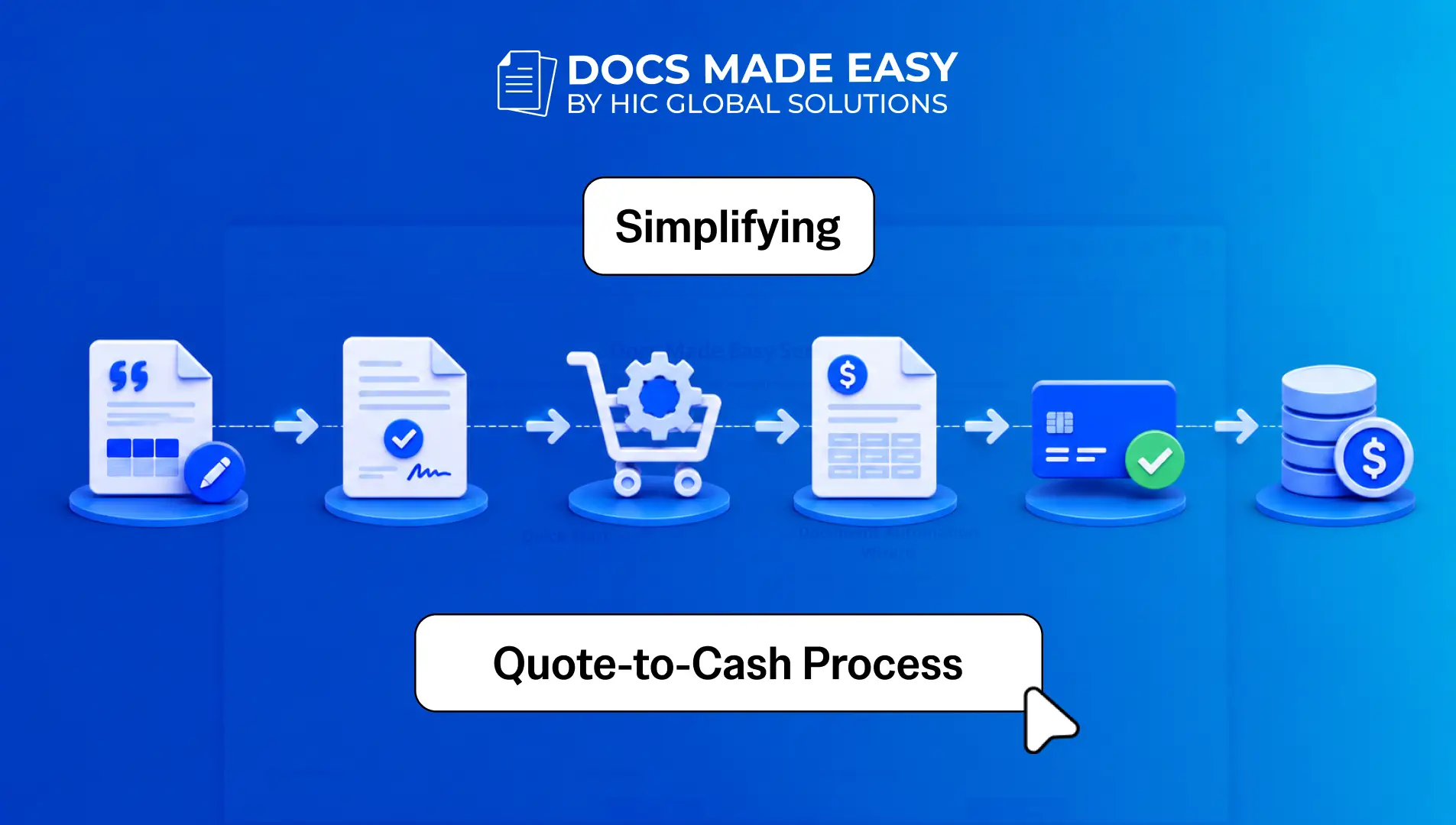
This is where Salesforce Revenue Cloud comes into the picture. Instead of managing different processes on different platforms, businesses can now manage quoting, Contract Lifecycle Management (CLM), ordering, billing, renewals, and revenue recognition from one solution. This helps every department work together while simplifying the complete quote-to-cash process.

With the blog, delve in to check out how Salesforce Revenue Cloud simplifies the complete quote-to-cash process and helps businesses manage their revenue process more efficiently. Let’s get started.

Key Areas Where Salesforce Revenue Cloud Simplifies the Quote-to-Cash Process

It is very much understood that every business wants accurate quotes, faster approvals, better contract management, automated billing, and proper revenue tracking. Is managing all these processes manually the right approach? Does Salesforce Revenue Cloud simplify Salesforce revenue management and the overall business process, and most importantly, how? Let’s go through the key areas where the platform plays a powerful role.
 

Accurate Quoting With CPQ
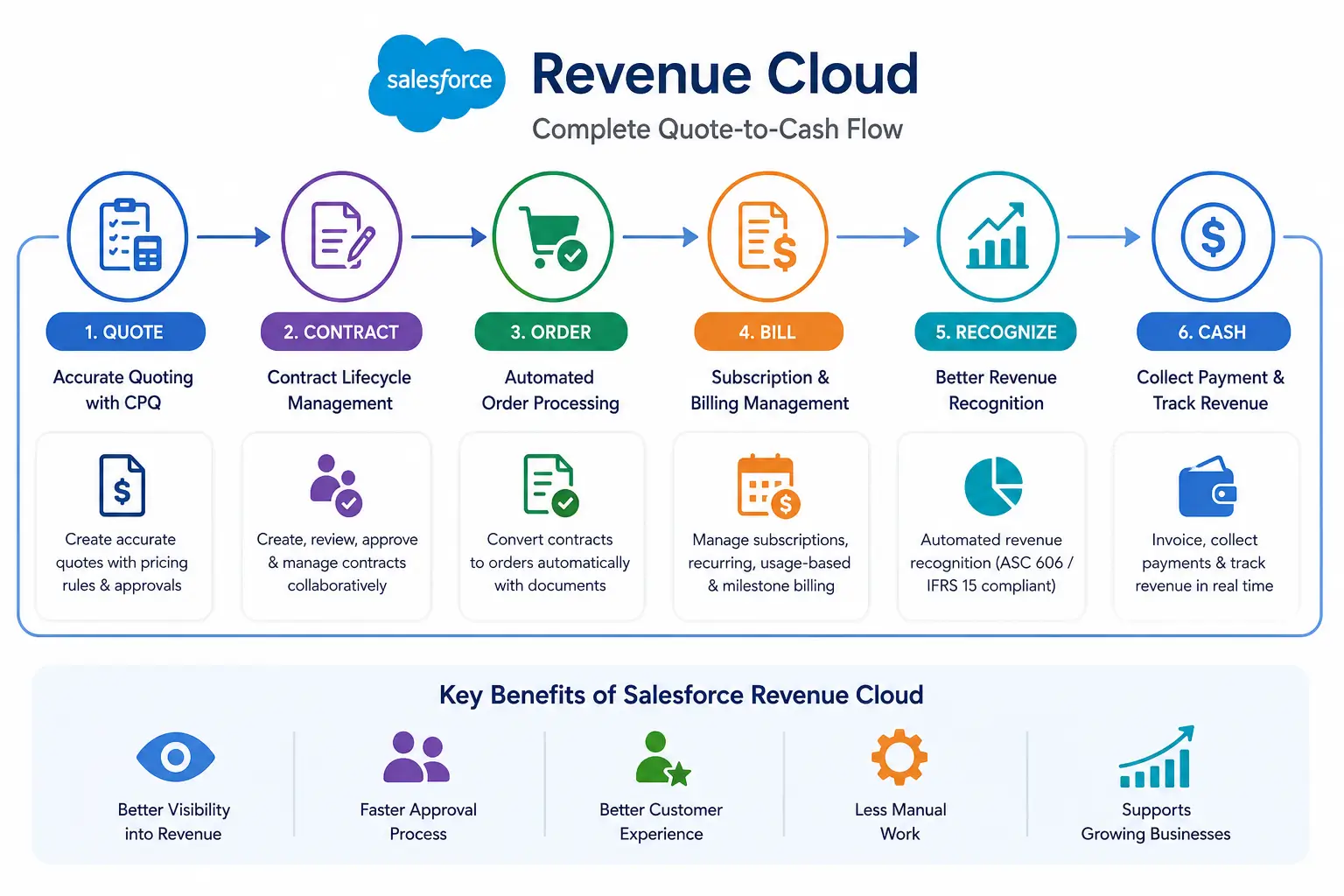
Creating quotes manually always leaves chances for pricing mistakes and configuration errors. Sales representatives also spend more time checking products, discounts, and approvals before sending a quote to customers. With Salesforce Revenue Cloud, the Configure, Price, Quote process becomes automated. The platform checks pricing rules, validates product configurations, and generates accurate quotes for every customer. This helps businesses improve the complete Salesforce quote to cash process.
Contract Lifecycle Management (CLM)
Once the quote gets approved, the next process is preparing and managing contracts. Creating contracts manually and keeping track of different versions increases the overall sales cycle. It also becomes difficult for legal and sales teams to stay on the same page. With Salesforce Revenue Cloud, Contract Lifecycle Management helps businesses create, review, approve, and manage contracts from one platform. This helps every department work with the latest contract version while improving the overall Salesforce revenue management process.
Automated Order Processing
After the contract is finalized, the next process is creating customer orders. Entering the same information again consumes time and also increases the possibility of mistakes. The platform automatically converts approved contracts into orders and also supports Salesforce document generation for order-related documents whenever required. This way, businesses process customer orders much faster without repeating manual work.
Subscription and Billing Management
Every customer does not follow the same pricing model. Some customers pay monthly, some yearly, while others are billed based on product usage or project milestones. Managing these billing models manually becomes difficult as the business grows. Salesforce Revenue Cloud supports subscriptions, recurring billing, usage-based billing, and scheduled invoicing from one platform. This helps businesses simplify the complete quote to cash Salesforce process while keeping billing accurate.
Better Revenue Recognition
Revenue recognition plays a very important role in every business. Managing it manually may create reporting issues and compliance challenges. The platform automatically manages revenue recognition according to standards like ASC 606 and IFRS 15. This helps businesses maintain accurate financial records while improving overall compliance.
Better Visibility Into Revenue
Business decisions always depend on proper reports. When sales, billing, and revenue information stays in different systems, it becomes difficult to analyze the complete picture. Salesforce Revenue Cloud provides a complete view of quotes, contracts, invoices, payments, and revenue from one platform. This helps management make better business decisions.
Approval Process Becomes Faster
Many business deals require approvals from managers or finance teams before moving ahead. Manual approvals usually increase the waiting time. The platform automates approval workflows and sends requests to the right people at the right time. This helps businesses improve the complete Salesforce revenue management process.
Better Customer Experience
Customers always expect accurate pricing and faster responses. Delays during the sales cycle often affect customer satisfaction. With Salesforce Revenue Cloud, businesses provide quicker quotes, faster contracts, and better order processing. This helps improve the customer experience throughout the sales journey.
Less Manual Work
Sales teams should spend more time selling instead of managing repetitive work. Manual data entry and document preparation reduce productivity. The platform automates multiple daily processes, making the complete Salesforce quote to cash cycle much faster and easier for every department.
Supports Growing Businesses
As the business grows, managing thousands of quotes, contracts, invoices, and payments manually becomes difficult. Businesses need a platform that grows along with them. Salesforce Revenue Cloud helps businesses manage increasing sales operations while keeping every process organized from beginning to end.

Implement Salesforce Revenue Cloud With Docs Made Easy

We have seen how Salesforce Revenue Cloud simplifies the complete quote-to-cash process, which helps businesses improve their sales operations. Along with revenue management, businesses also generate multiple business documents every day. Managing these documents manually again increases the overall work.

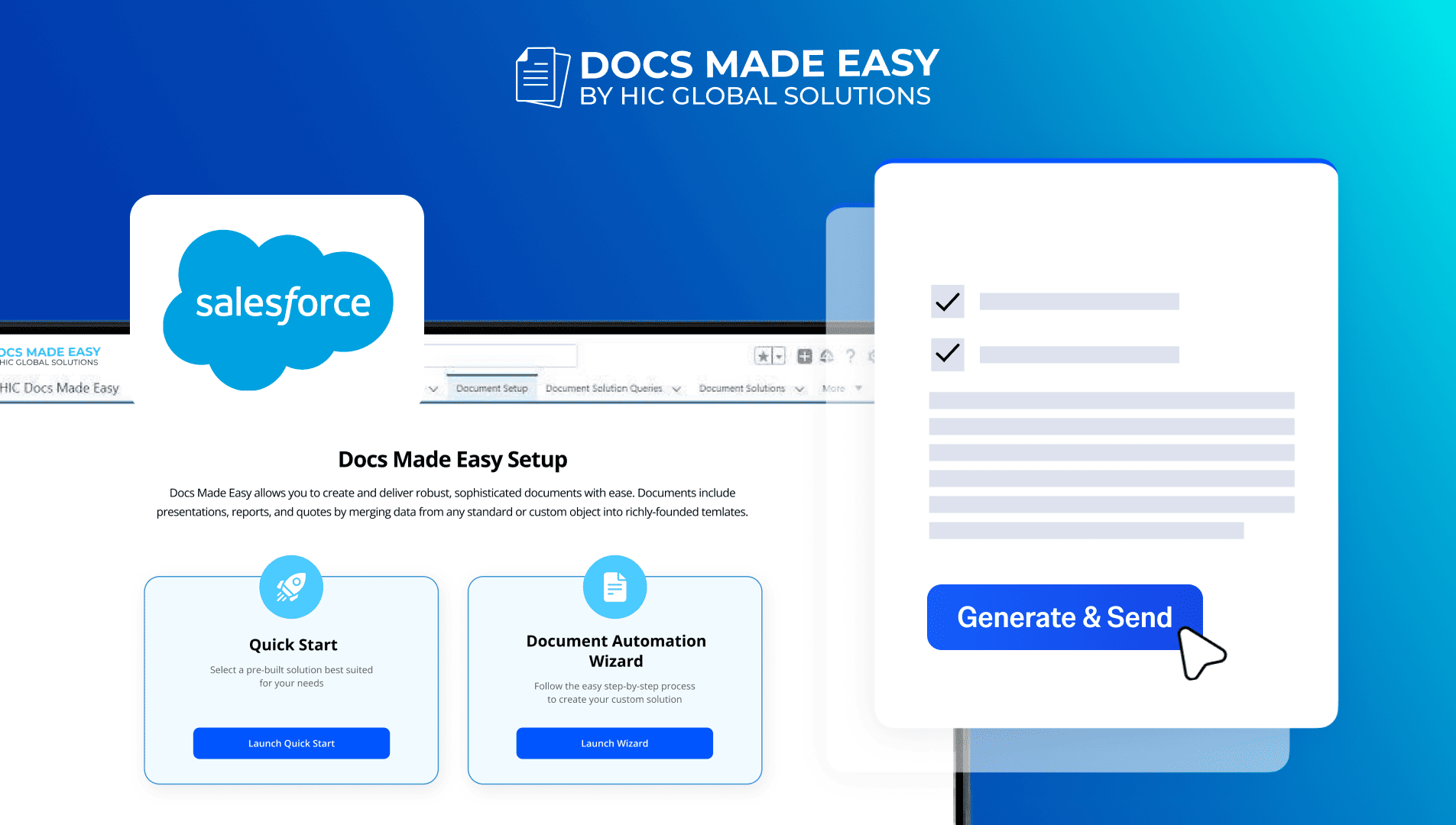
With Salesforce document generation, businesses can automatically generate proposals, contracts, invoices, agreements, and many other documents directly from Salesforce records. This helps teams save time while maintaining document accuracy.

Docs Made Easy helps businesses simplify Salesforce document automation with no-code document generation inside Salesforce. The solution makes it easier to generate professional documents, reduce manual work, and improve overall business efficiency.

Some of the key capabilities of Docs Made Easy include:

  • Generate documents directly from Salesforce records without copying and pasting information manually.
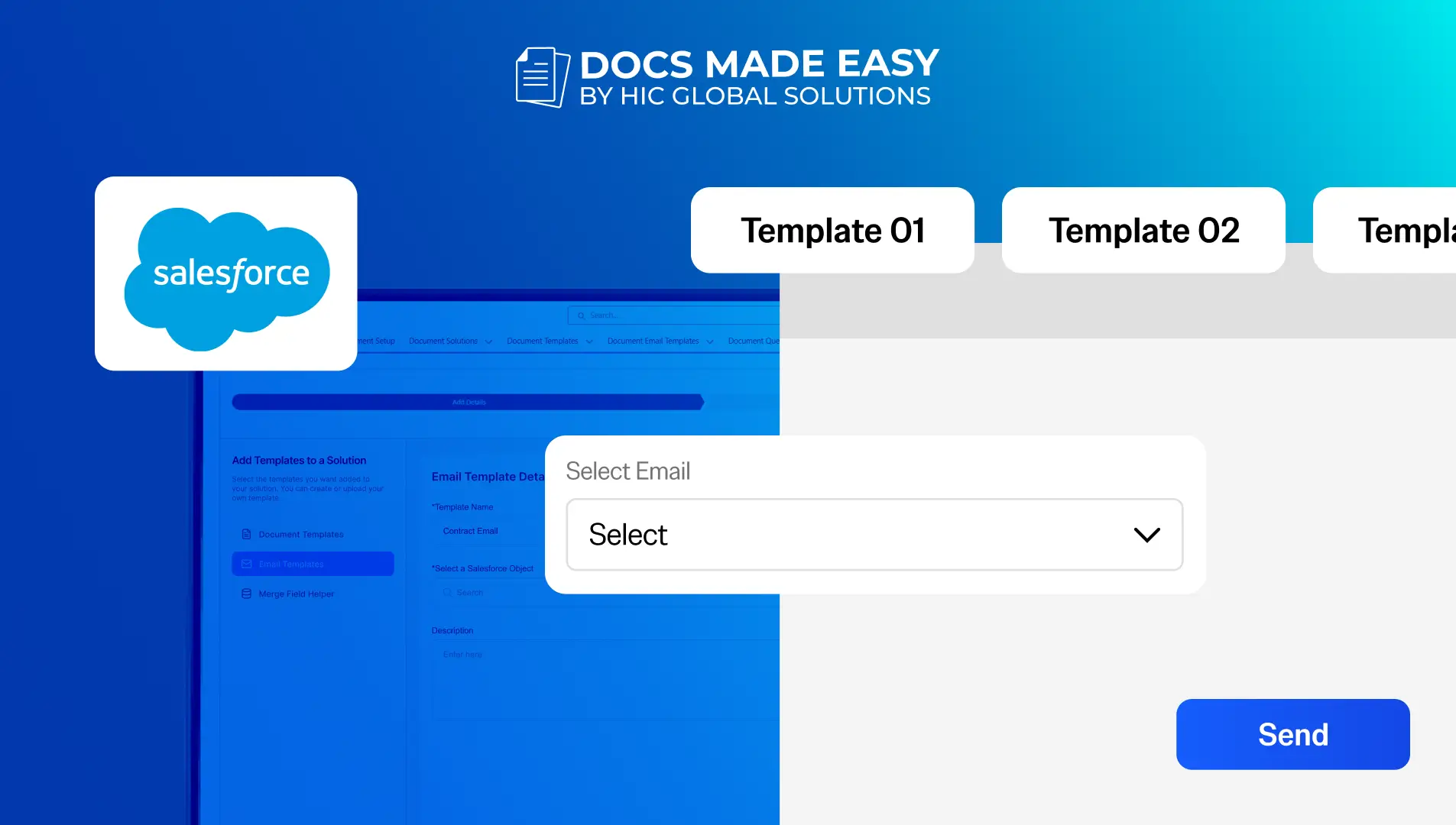
  • Create proposals, quotes, contracts, invoices, order confirmations, and customer agreements using ready-to-use templates.
  • Bulk document generation helps businesses generate multiple documents at once, saving valuable time during large sales operations.
  • Template Library allows teams to create and manage reusable document templates for different business processes.
  • Automated document generation ensures every document is generated with the latest Salesforce data, reducing manual errors.
  • Supports Revenue Cloud processes by helping sales, finance, and operations teams generate documents at different stages of the quote-to-cash journey.
  • Easy configuration with no coding allows businesses to start generating documents without complex implementation.
  • Professional customer support from the Docs Made Easy team helps businesses with implementation, configuration, and future business requirements whenever needed.


You can also explore our article,
Top 7 Benefits of Integrating Docs Made Easy with Salesforce Revenue Cloud, to understand how both solutions together simplify document automation and support the complete revenue process.

Wrap-up

We now understand how Salesforce Revenue Cloud simplifies the complete quote-to-cash process and supports better revenue operations. The platform is not just about managing quotes; it helps businesses automate contracts, billing, revenue recognition, approvals, and many other business operations. Also, the complete view of your revenue helps every department make better business decisions.

We are always happy to assist you in simplifying your document generation process with Salesforce Revenue Cloud, you can also reach out to us at support@docsmadeasy.com for any help or queries. With this note wrapping up the blog, stay tuned for further insightful blogs.

        

Top Companies Trust Docs Made Easy What’s Stopping You?

Get Started Now

Frequently Asked Questions

Salesforce Revenue Cloud helps small businesses automate sales and revenue operations without adding complexity. Combined with Docs Made Easy, Salesforce document generation becomes faster, improving productivity as businesses grow.
Yes, Salesforce Revenue Cloud supports custom pricing, discounts, bundles, and subscription models. With Docs Made Easy, businesses can automatically generate personalized documents matching every pricing scenario inside Salesforce.
Businesses can generate proposals, invoices, contracts, order confirmations, and customer agreements. Docs Made Easy simplifies Salesforce document generation by automatically creating these documents using Salesforce data and reusable templates.
Yes, automated workflows minimize manual data entry and improve document accuracy. By using Docs Made Easy, Salesforce document automation ensures documents are generated with updated Salesforce information every time.
Salesforce Revenue Cloud manages revenue operations, while Docs Made Easy simplifies Salesforce document generation and Salesforce document automation by creating accurate business documents, completing the end-to-end business workflow efficiently.

Related Blogs


How To

How to Show Different Tables in Salesforce Documents

In Salesforce document generation, displaying the right data in the right format can become difficult when different conditions exist in…

Read more
How To

How to Create a Document Solutions Collection in Salesforce

Managing multiple document templates can be challenging when users need quick access to different solutions from a single location. Document…

Read more
How To

Data Routing: How to dynamically select templates using formula fields (Part 1)

Many organizations need different documents at different stages of the sales cycle. Manually selecting the correct document template for every…

Read more