Document Generation Made Easy: What It Is, Why It Matters & How to Pick the Best Tool
Category :
Document Generation

What if hours of work took seconds?
That’s the reality with Docs Made Easy. Generate flawless documents instantly—because your time is too valuable.
Save Hours TodayWhat Is Document Generation?
Document generation is the process of automatically creating documents (contracts, reports, proposals, invoices, etc.) by merging predefined templates with data inputs. Rather than writing every document from scratch, you build templates that have placeholders which get filled with data from your CRM, databases, form inputs, spreadsheets, or other systems. The result: accurate, consistent, branded documents generated quickly with minimal manual effort.
With rising expectations for speed, consistency, and personalization, document generation has become a critical technology for businesses, legal teams, sales departments, HR, finance, and more.
Why Document Generation Matters for Productivity
How Document Automation app Works
To understand what to look for, it helps to break down the typical process and components:
Key Benefits of Document Generation
Below are the core advantages businesses can reap from using document generation tools:
- Enhanced efficiency & turnaround time — Reduced manual effort, faster delivery of documents.
- Enhanced efficiency & turnaround time — Reduced manual effort, faster delivery of documents.
- Better customer experience — Faster responses, fewer errors, more polished communications improve perceptions.
- Compliance & risk reduction — Legal clauses, regulatory disclaimers, security considerations are baked into templates.
- Scalability — As volume increases, the system handles growth without overwhelming staff.
- Customization & personalization — While maintaining consistency, you can still tailor or personalize per customer or scenario.
- Real-time updates & agility — Updating the template reflects in future documents; changes can propagate quickly.
How to Choose the Best Document Generation App
Not all tools are equal. When selecting a document generation app, focus on these essentials:
- Templates & Design – Easy to build, edit, and brand templates.
- Integrations – Connects seamlessly with your CRM, databases, and forms.
- Ease of Use – Simple interface for fast adoption by any team member.
- Collaboration – Supports approvals, version control, and audit trails.
- Security & Compliance – Encryption, access control, SOC2/GDPR compliance.
- Scalability – Handles growing volume and multiple users efficiently.
- Output & eSignatures – Supports PDF/Word/HTML and integrates signatures.
- Pricing & Support – Transparent costs with helpful onboarding and training.
- Analytics – Track usage, errors, and time saved for ROI insights.
This checklist helps you pick a solution that saves time, reduces errors, and scales with your business.
Documents You Should Start Automating Now
Here are common kinds of documents that benefit most from automation. If you aren’t automating some of these, you’re probably leaving efficiency (and accuracy) on the table.
- Legal Contracts & Agreements
- Sales Proposals & Quotations
- Invoices & Billing Statements
- Client Onboarding Documents
- Financial Reports & Summaries
- HR Documents: Offers, Leave Forms, Employment Contracts
- Rental / Lease Agreements
- Licenses & Permits
- Marketing Materials (presentations, brochures)
- Compliance & Regulatory Filings
- Estate/Will Documents / Trust Documents
- Estate/Will Documents / Trust Documents
The Power of Document Generation: Real-World Use Cases
To illustrate how document generation changes workflows, here are some scenarios:
Simplify Salesforce Document Generation with Docs Made Easy
Document generation is a must for businesses looking to save time, reduce errors, and maintain consistent branding. Start by identifying the documents your team creates most frequently—like contracts, invoices, proposals, or HR forms—then build templates, set up automated workflows, train your team, and refine the process for maximum efficiency.
With Docs Made Easy, you can generate documents directly from Salesforce in minutes, ensuring accuracy, compliance, and consistency. It also integrates seamlessly with eSignature tools, so approvals and signatures happen faster, reducing delays.
By automating your document workflows, your team can focus on high-value work while staying compliant and professional making your processes smarter, faster, and error-free.
Frequently Asked Questions
Related Blogs
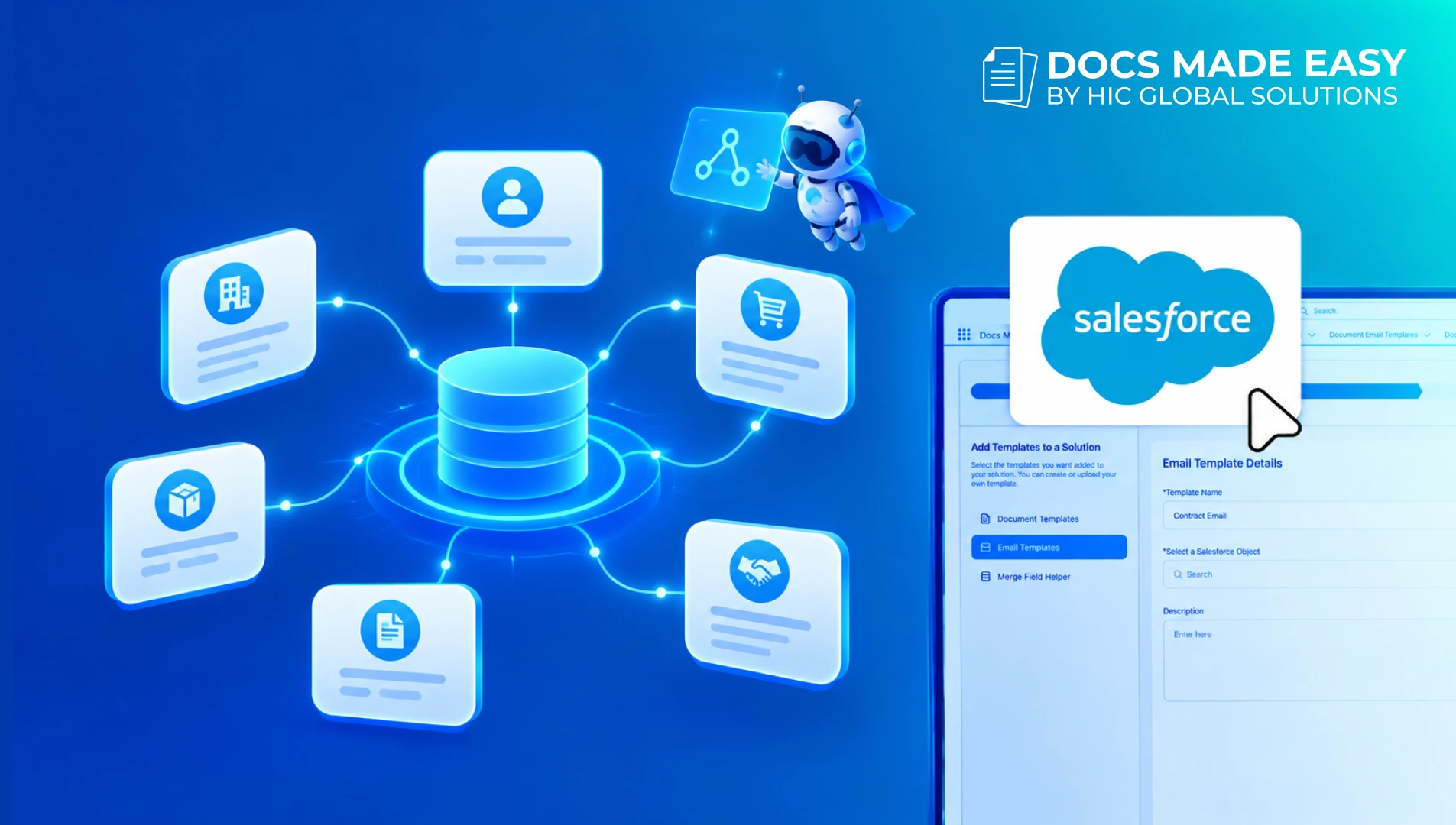
How to Use Apex Data for Salesforce Document Generation
Docs Made Easy allows users to generate documents using Salesforce records and predefined templates. However, some business requirements need data…
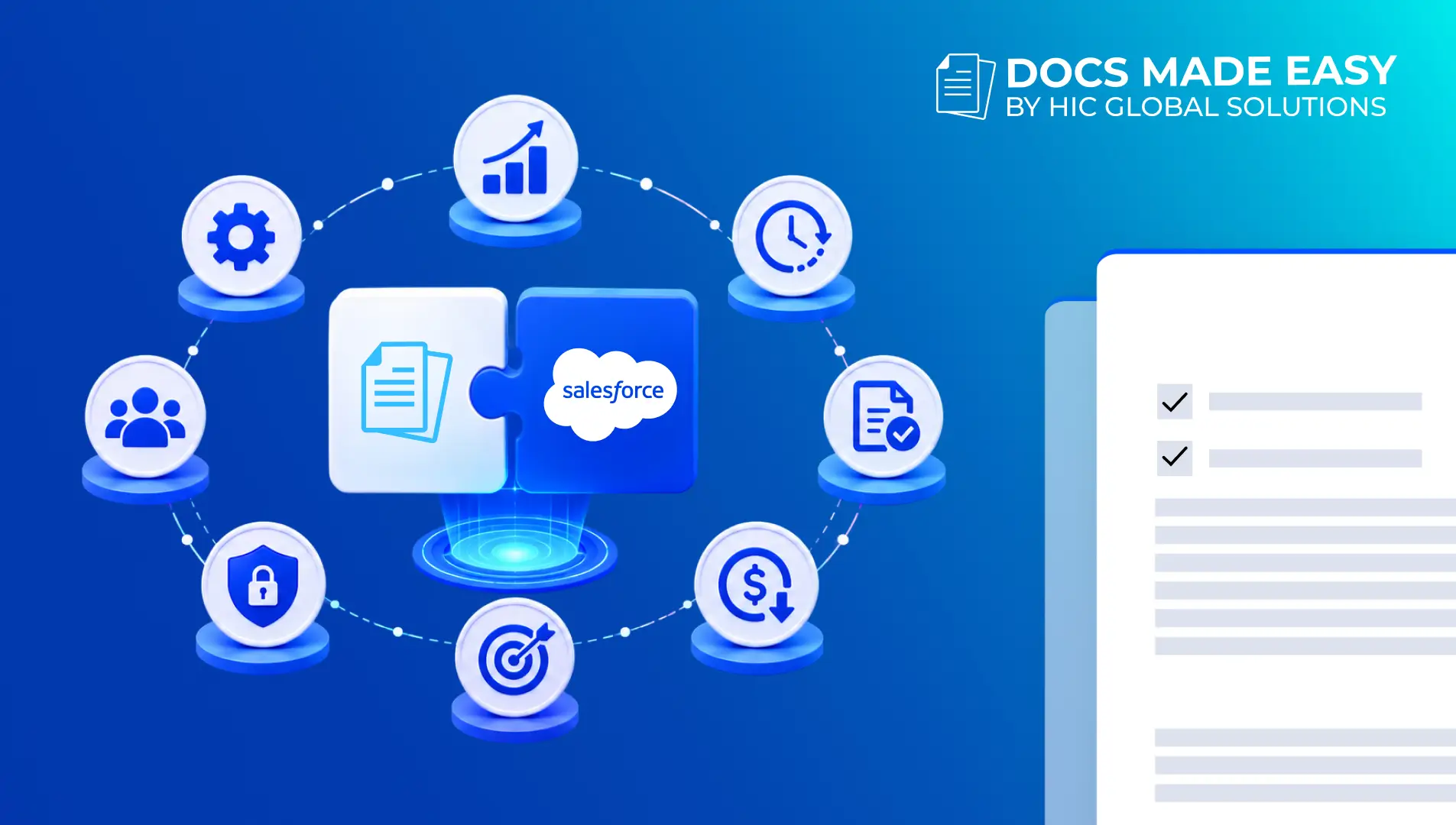
Top 7 Benefits of Integrating Docs Made Easy with Salesforce Revenue Cloud
Managing revenue today involves much more than creating quotes and sending contracts. Businesses need a connected process that handles pricing,…
Salesforce Documentation Best Practices: How to Reduce Admin Dependency and Scale Faster
As businesses grow in Salesforce, managing documentation often becomes difficult. At first, teams can easily manage workflows, approvals, automations, and…