How to Maintain Document Consistency Across Sandbox and Production Environments in Salesforce
Category :
How To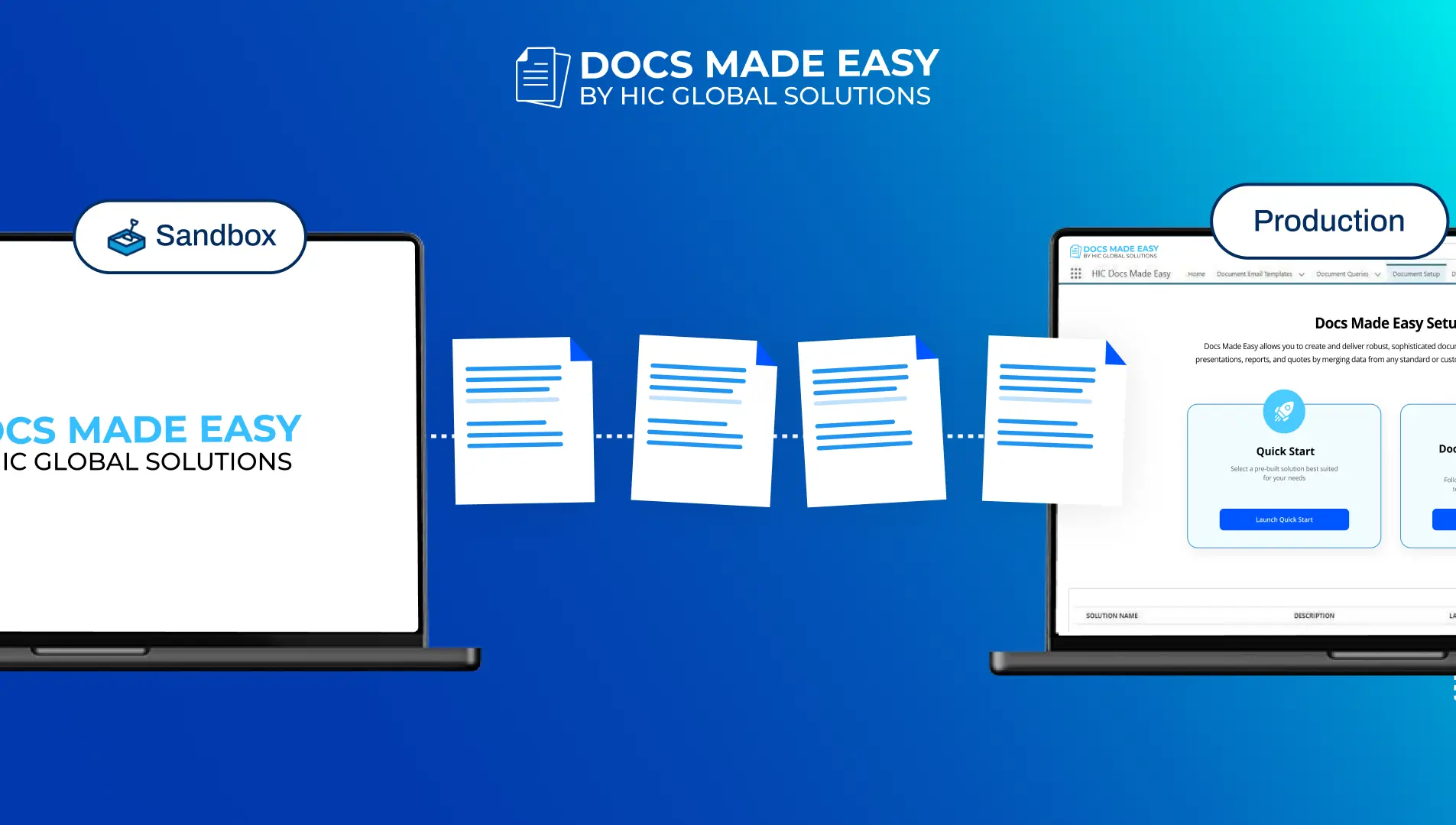

Docs Made Easy Proudly Featured by Salesforce
Built to simplify document workflows while enhancing productivity inside Salesforce.
Explore Now!If you’ve ever moved a Salesforce document solution from Sandbox to Production and seen unexpected results, you know the feeling: everything should work, but something subtle goes wrong. A field doesn’t map, a conditional section shows up incorrectly, a workflow doesn’t trigger, and suddenly, documents that were tested perfectly start producing inconsistent output in Production.
This isn’t a minor glitch. Because modern businesses depend so heavily on Salesforce document generation for quotes, contracts, onboarding packets, and compliance documents, any inconsistency becomes a risk. It can affect revenue, compliance, and customer trust.
Maintaining document consistency across environments is not just a best practice; it is an essential operational discipline.
Why Document Inconsistency Happens Between Environments
A common misconception is that migration is just about moving files. In reality, a document solution in Salesforce is composed of multiple parts:
- Templates with embedded merge logic
- Field mappings to Salesforce objects and relationships
- Conditional visibility and logic rules
- Delivery settings and approval steps
- Workflow triggers that launch document generation
When any of these elements are not migrated consistently, the outcome changes.
For example, if a picklist value used in a template exists in Sandbox but not in Production, the document may be generated with blank content. If workflow triggers aren’t recreated identically, documents may generate at the wrong time or not at all.
This is why migration is not just about templates; it’s about preserving the entire behavior of the document system.
Research Insight: Low-Code Tools Reflect a Shift in How Teams Deploy Logic
To understand why this matters, consider broader trends in enterprise application development. A recent Forrester survey found that about 87% of enterprise developers now use low-code development platforms for at least some of their work, blurring the line between development and configuration.
This shift shows how widely teams are embracing platform-centric logic and automation. Salesforce environments increasingly rely on declarative, no-code, and low-code approaches to build workflows, validations, and automated processes, which include document automation.
When logic migrates differently from templates, the automated behavior changes. So maintaining document consistency means migrating not just visual assets but also the logic around them
Why Workflow Automation Is Central to Document Consistency
Documents are rarely created manually. They are triggered by business events: a deal closing, a case being approved, or a record changing status. These triggers live inside Workflow automation.
If workflows do not migrate with document logic:
- Documents may be generated too early or too late
- Approvals may be skipped
- Wrong templates may be used
If workflows are configured differently across environments, documents will behave differently. A rule in Sandbox might trigger a document immediately. In Production, if that same rule isn’t present or is slightly different, the document may not generate at all.
This disconnect creates unpredictable document behavior, and users assume there is something wrong with the template, when in fact the logic behind it is missing or misaligned.
Maintaining consistent workflow automation is as vital as maintaining consistent templates.
Why Manual Migration Is Risky
Many teams still move documents by manually exporting templates, copying configuration, or rebuilding logic by hand. This approach fails at scale for three reasons:
- Human error, Settings get overlooked, fields get skipped, logic is misremembered.
- Version drift, Sandbox changes aren’t reflected in Production, or updates are made in Production without capturing them back.
- Complex dependencies, Conditional logic, related objects, and triggers are difficult to replicate manually.
With every manual step, the chance of inconsistency grows, and in complex Salesforce orgs with dozens or hundreds of templates, this quickly becomes unmanageable.
With the best document solution migration tool, you can perform the whole task in a few clicks.
How Docs Made Easy Supports Reliable Migration
Docs Made Easy is the best document generation and automation app in Salesforce, recognized among the top 3 best document generation software, it has been trusted by various industry leaders. From document solution migration to it bulk document generation, it offers everything you require with document setup.
Docs Made Easy incorporates migration as a first-class capability rather than an afterthought.
Instead of treating templates as static files, it treats the entire document ecosystem, templates, mappings, rules, and triggers, as one deployable bundle. When you migrate, everything travels together. The result is that Salesforce document generation behaves the same way after go-live as it did in testing.
This is crucial because what gets deployed is what the business expects. Your testing environment no longer becomes disconnected from Production behavior.
Thus, to ensure accurate migration, download the app now!
Ensuring Behavioral Consistency Post-Deployment
Consistency isn’t about appearance; it’s about behavior. When Docs Made Easy manages deployments, document generation follows the same rules everywhere. The same Salesforce data is pulled, the same conditions apply, and the same output is produced. Making sure that:
- Lookups resolve the same way
- Conditional sections evaluate the same rules
- Automation triggers a fire at the same time
- Approvals and notifications are intact
When all of these migrate together, what you tested is exactly what works live.
Version Control: The Foundation of Predictable Documents
Without proper version control, document systems slowly drift out of sync. A small fix applied in Production never makes it back to Sandbox. A test template accidentally becomes live.
Docs Made Easy prevents this by keeping versions aligned. Teams always know which version is active and which version was tested. This protects the reliability of Salesforce document generation and prevents costly mistakes.
Keeping Workflow Automation Aligned With Documents
Docs Made Easy also states that workflow automation stays aligned to document logic during migration. When a record hits a trigger condition, the correct document is generated every time, regardless of the environment.
This keeps:
- Approvals predictable
- Customer communications accurate
- Internal processes running smoothly
This approach preserves trust in automation and frees teams to focus on business outcomes, not firefighting post-deployment issues.
Final Thoughts
Maintaining document consistency across Sandbox and Production is not a technical requirement; it’s a business necessity. As Salesforce document solutions becomes more central to sales, compliance, and customer experience, inconsistent behavior between environments creates risk that no organization can afford.
By treating documents as complete solutions, with templates, mappings, logic, and workflow automation as one unit, teams can simplify the overall process. Using tools like Docs Made Easy that ensure smooth migration, teams can reduce friction and simplify Salesforce deployments.
Featured by Salesforce, Docs Made Easy is a reliable choice for your document generation needs.
What you test should be what your business runs. When that principle is upheld, document consistency becomes a foundation you can build real automation on, instead of a recurring headache you have to manage.
Frequently Asked Questions
Related Blogs
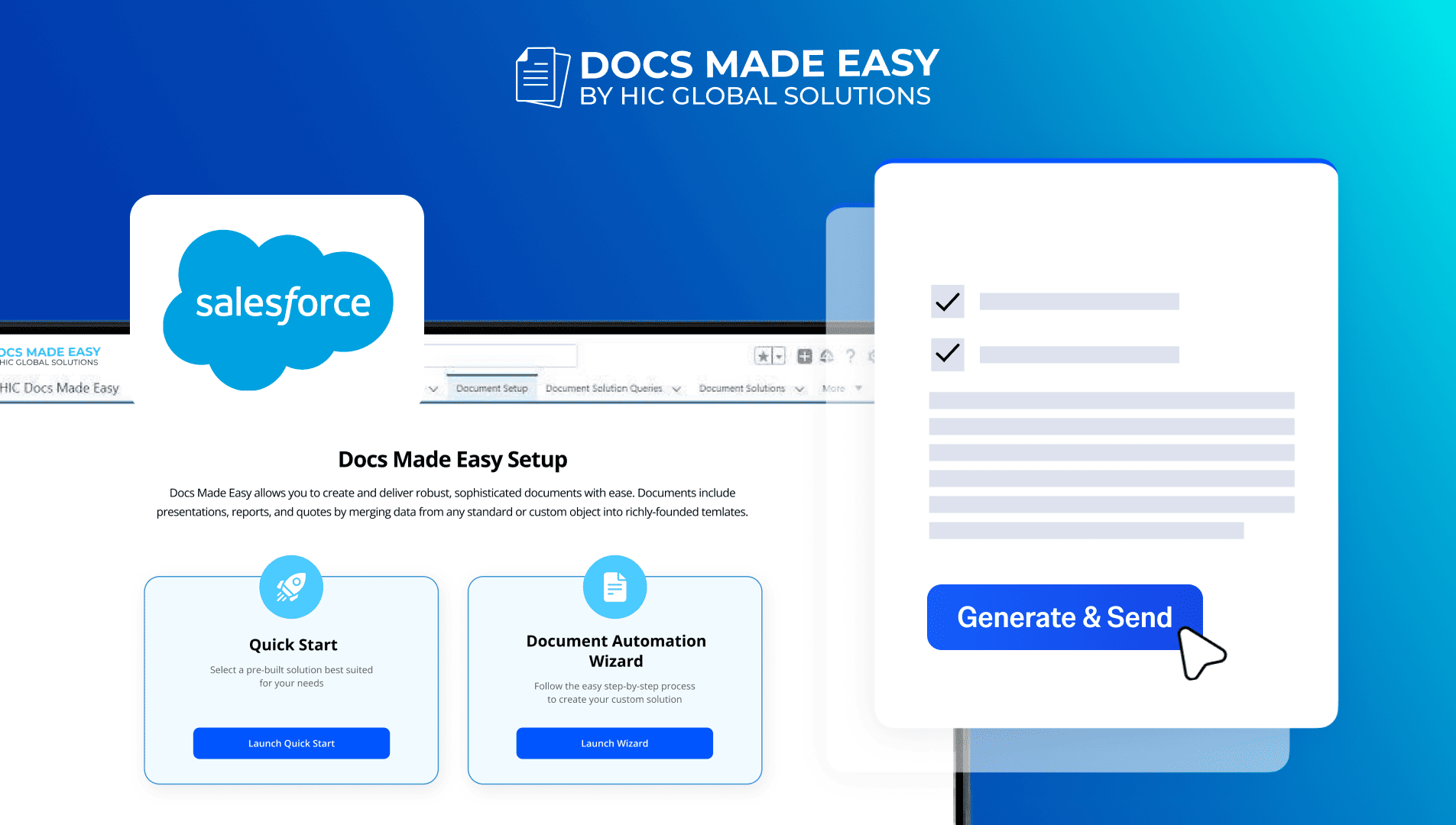
How to Generate & Send Documents for eSign in Salesforce
Sending a document for signature directly from Salesforce can make the approval process much easier, especially when you want to…
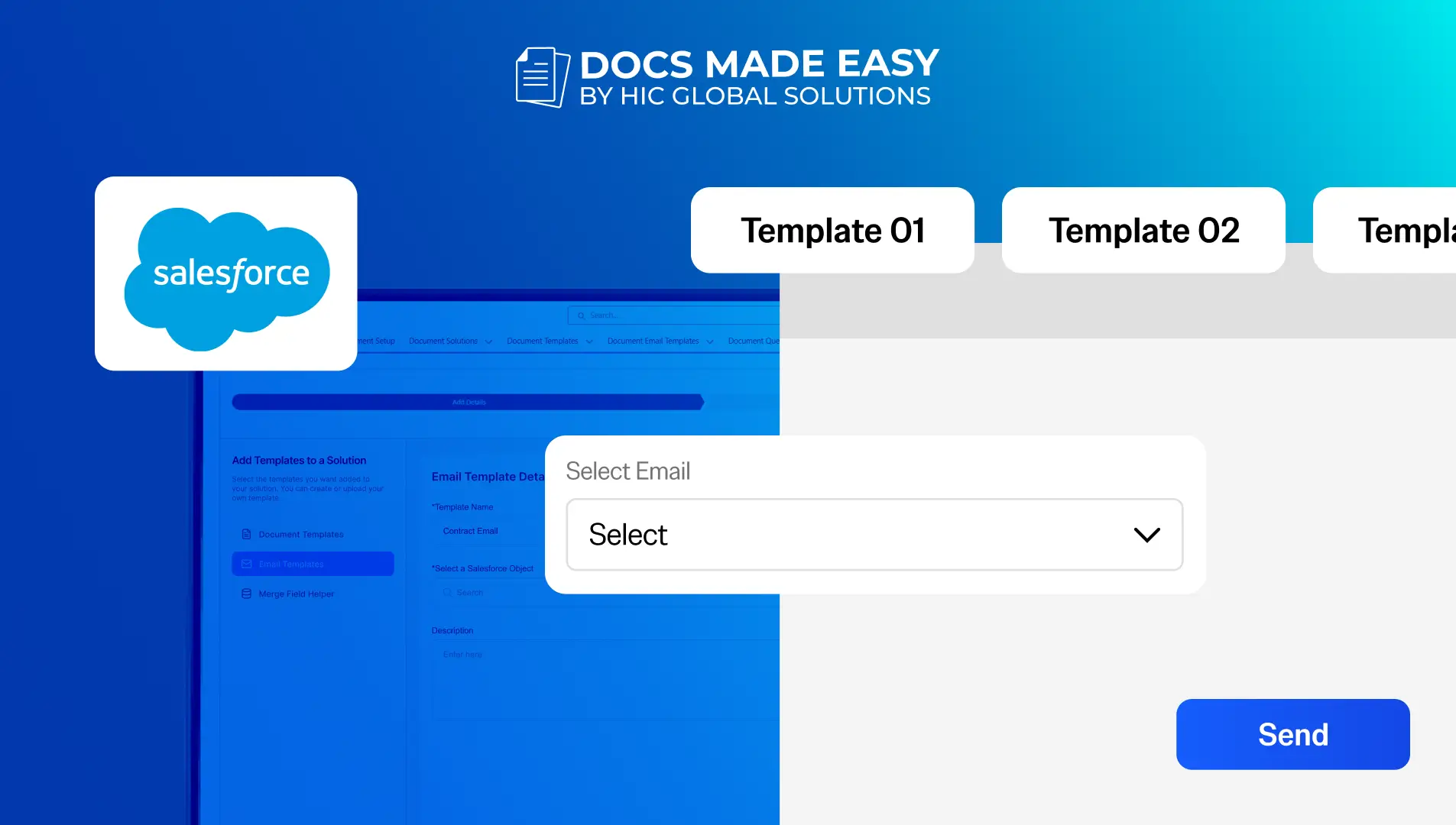
How to Generate Salesforce Documents Using Quick Document Merge
Creating Salesforce documents does not have to involve multiple steps or moving between different tools. With Quick Document Merge, you…
How to Create a Scope of Work (SOW) in Salesforce with Docs Made Easy
Creating a Scope of Work manually can take time, especially when information needs to be collected from Salesforce and added…